Create a Volume
Steps to Create a Volume:
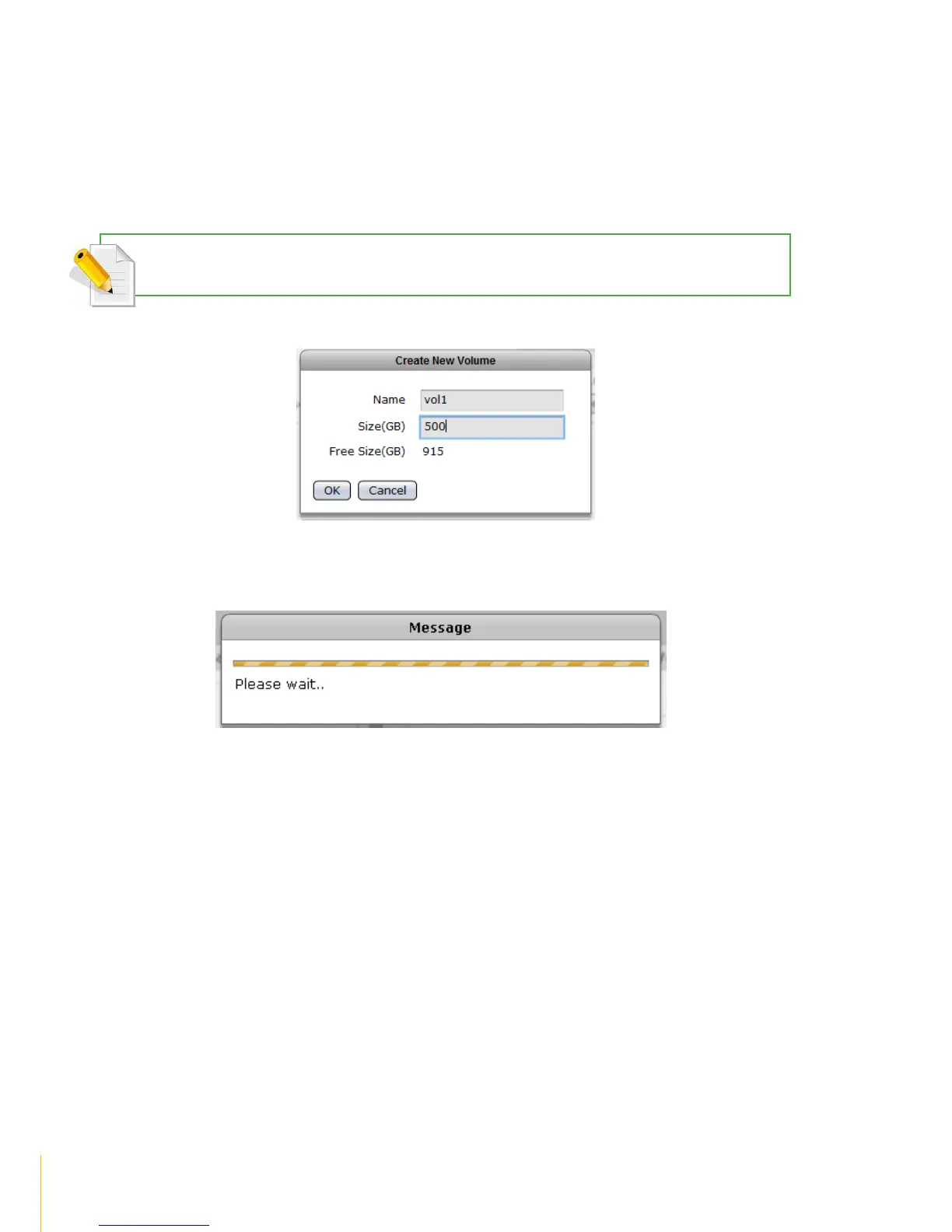
1. Click Create Volume.
2. In the Create New Volume dialog box, enter the Volume Name and Size in GB. The Free NASVG
capacity will show the available capacity that can be used. Click OK when done.
NOTE: The volume name does not allow space in-between characters. Valid characters are A-Z, a-z, and 0-9.
3. 1A message will be displayed.
4. The new Volume will be created.



 To Next Page