Accessing Share Folder from Linux/UNIX Clients via NFS
NOTE: Make sure NFS service is enabled in System Service, and NFS protocol is enabled in Storage/Share
Share/Security Share Protocol Setting Unix/Linux(NFS).
1. Login to console of Linux client. Change to root user, if necessary.
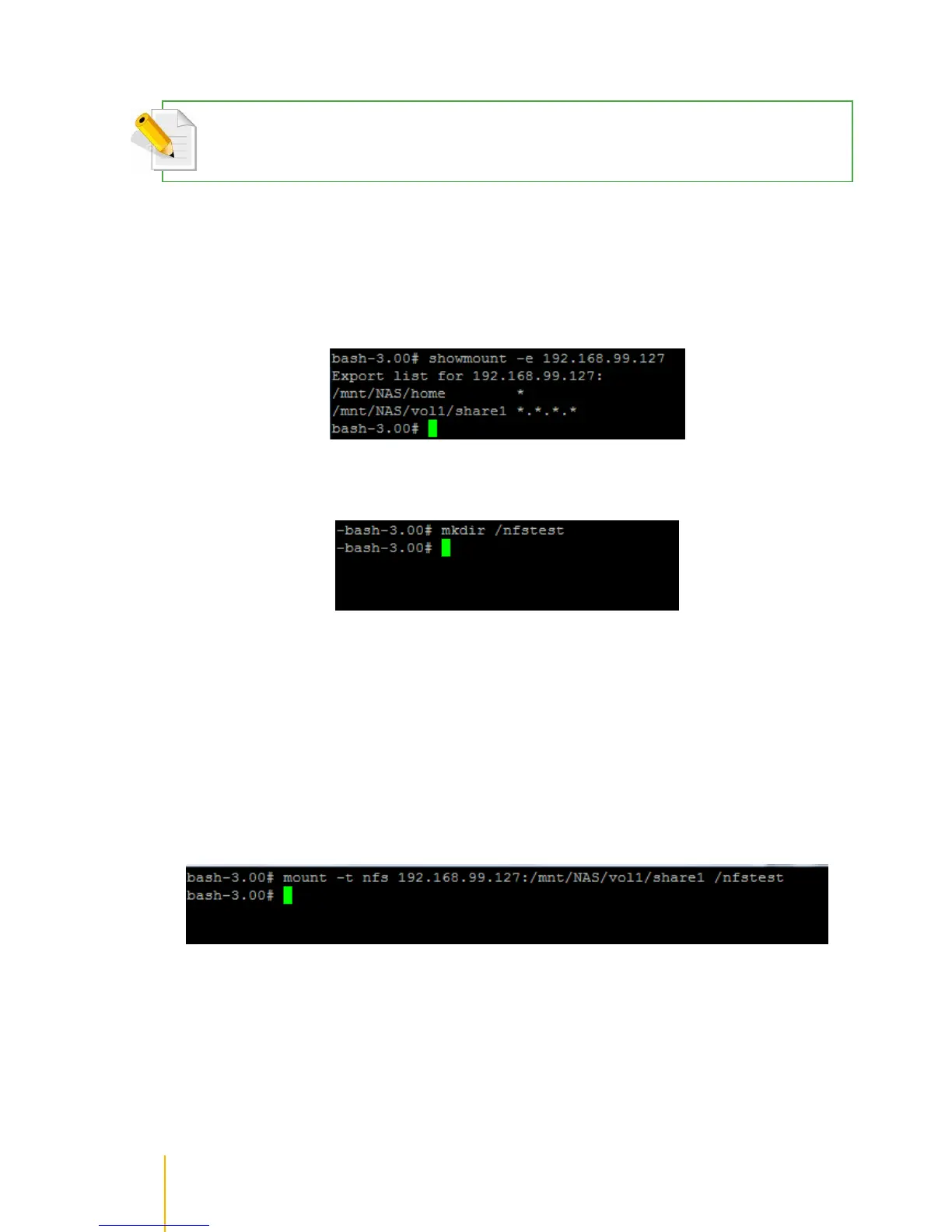
2. To check which share folders of NAS are accessible via NFS protocol and which path will be
used for mounting, use the command showmount –e x.x.x.x, where x.x.x.x is the NAS IP.
For example: showmount –e 192.168.99.127
3. Create local mount point, if not yet created.
4. Mount the share folder via NFS.
The format for the mount command is:
mount -t nfsx.x.x.x:/mnt/NAS/volume/share /local-mount-point
x.x.x.x is the NAS IP.
Note that /mnt/NAS/volume-name/share-name is the complete path to NFS share as shown using the
showmount command (step 2).
For example: mount –t nfs 192.168.99.127:/mnt/NAS/vol1/share1 /nfstest



 To Next Page