/ actiNAS Manager · System
Log
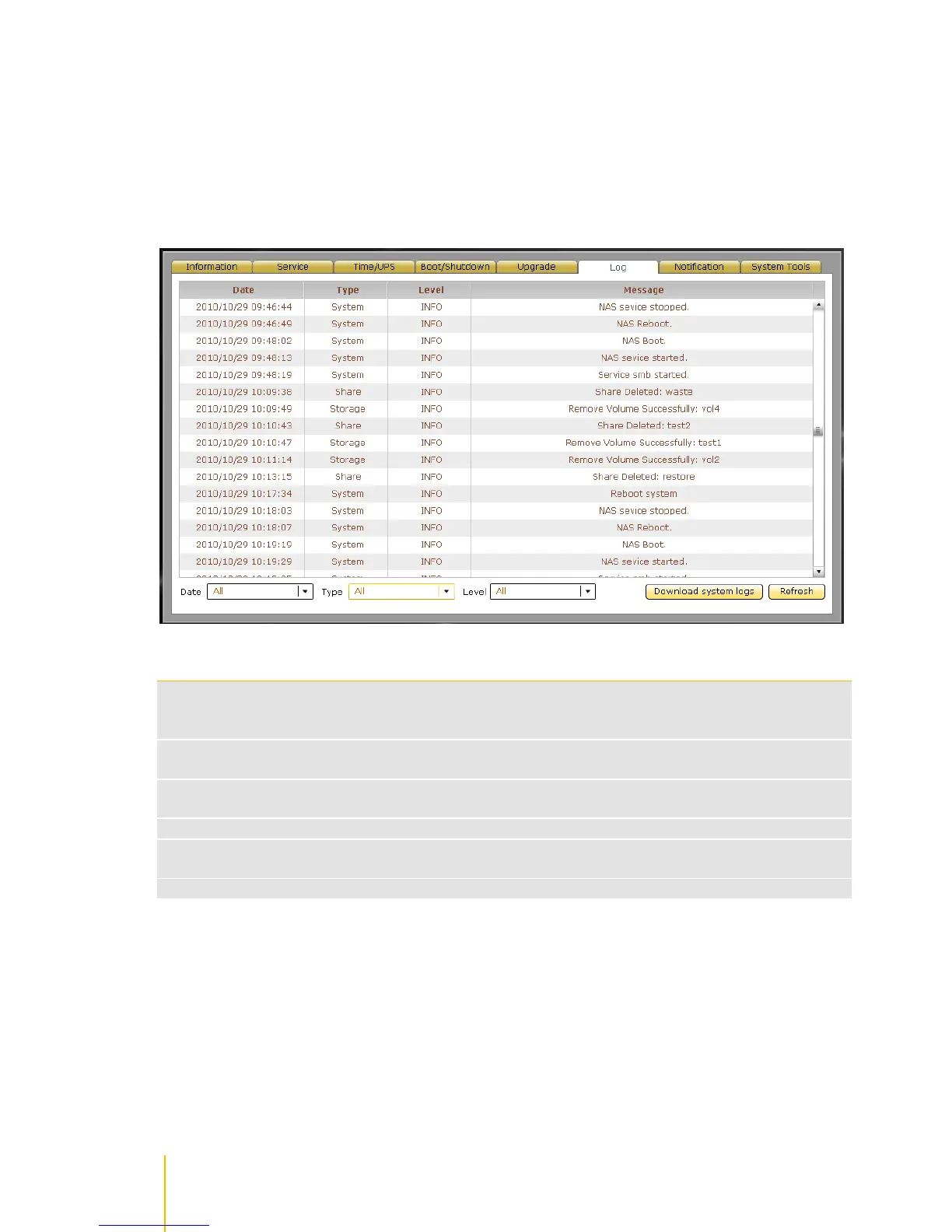
NAS logs can be viewed in this tab.
Shows the date and time when the particular log happened. Use the down arrow to select the
day or days that will be used to display the log. Options are: Today, Past 7 Days, Past 14
Days, Past 30 Days, and All.
Shows the type of log. Use the down arrow to select the type of log to display. Options are:
All, System, Storage, Share, and Account.
Shows the log level. Use the down arrow to select the level of log to display. Options are: All,
DEBUG, INFO, WARN, and ERROR.
Shows information about the log.
Use this button to save all actiNAS logs to a log file in local directory. The log file will be
given.tar extension name. Rename the log file if needed.
Use this button to update the log information displayed.



 To Next Page