Remove iSCSI Configuration and Restore to NAS Volume
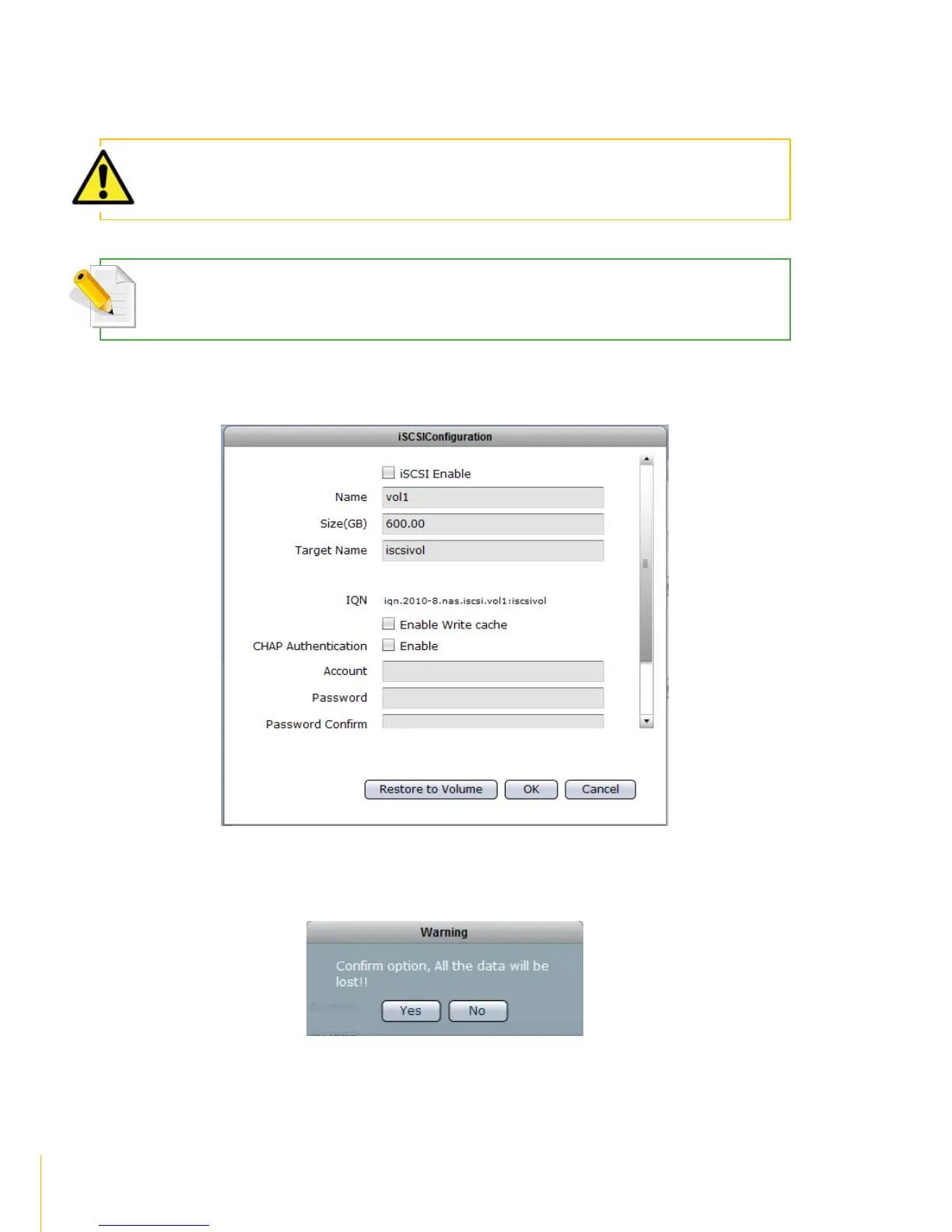
Steps to RemoveiSCSI Configuration and Restore to NAS Volume:
WARNING: When iSCSI Configuration is removed and volume is restored as basic NAS volume, all the data in
the volume previously configured as iSCSI Target are deleted.
NOTE: The iSCSI Configuration must be disabled first before the Volume can be restored as basic NAS volume.
See previous Section on how to disable iSCSI configuration.
1. Select the Volume with iSCSI Configuration and click the iSCSI button. Click the Restore to
Volume button.
2. A warning message will be displayed.



 To Next Page