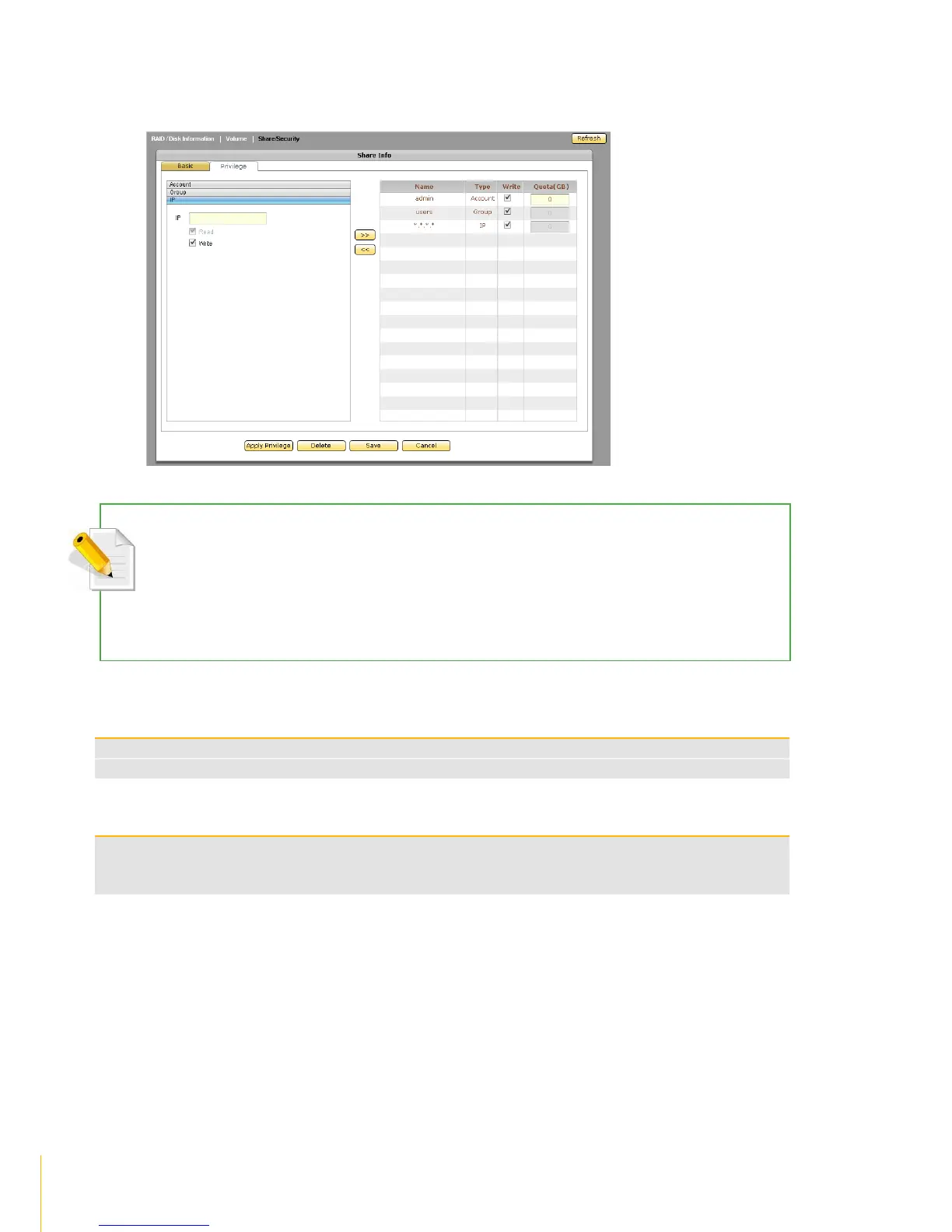
4. Click the IP option. Set up the IP address or addresses that will be allowed connections to the
share folder, then click >>.The IP address will appear on the right screen.
NOTE: This option allows setting certain range of hosts to have an access to the NAS. By default, NAS will
accept connections from any host (*.*.*.*). To allow connections only from certain IP address, remove *.*.*.* then
add the IP address/range. For example, add 192.168.100.*. This will only allow connections from your private
network 192.168.100 and all other connection will be refused.
NOTE: To remove an IP address from share folder privilege, select the IP address then click <<.
By default, this option is checked and the IP address or range of IP address is given Read
and Write permission to the share folder. To assign Read-Only permission, remove the check
mark



 To Next Page