System · / actiNAS Manager
Before configuring the DHCP service, make sure the network devices eth0 and eth1 are already assigned
the proper IP address in Network Device Configuration.
To use the NAS as a DHCP server / Internet Gateway:
1. Select the DHCP service in SystemService
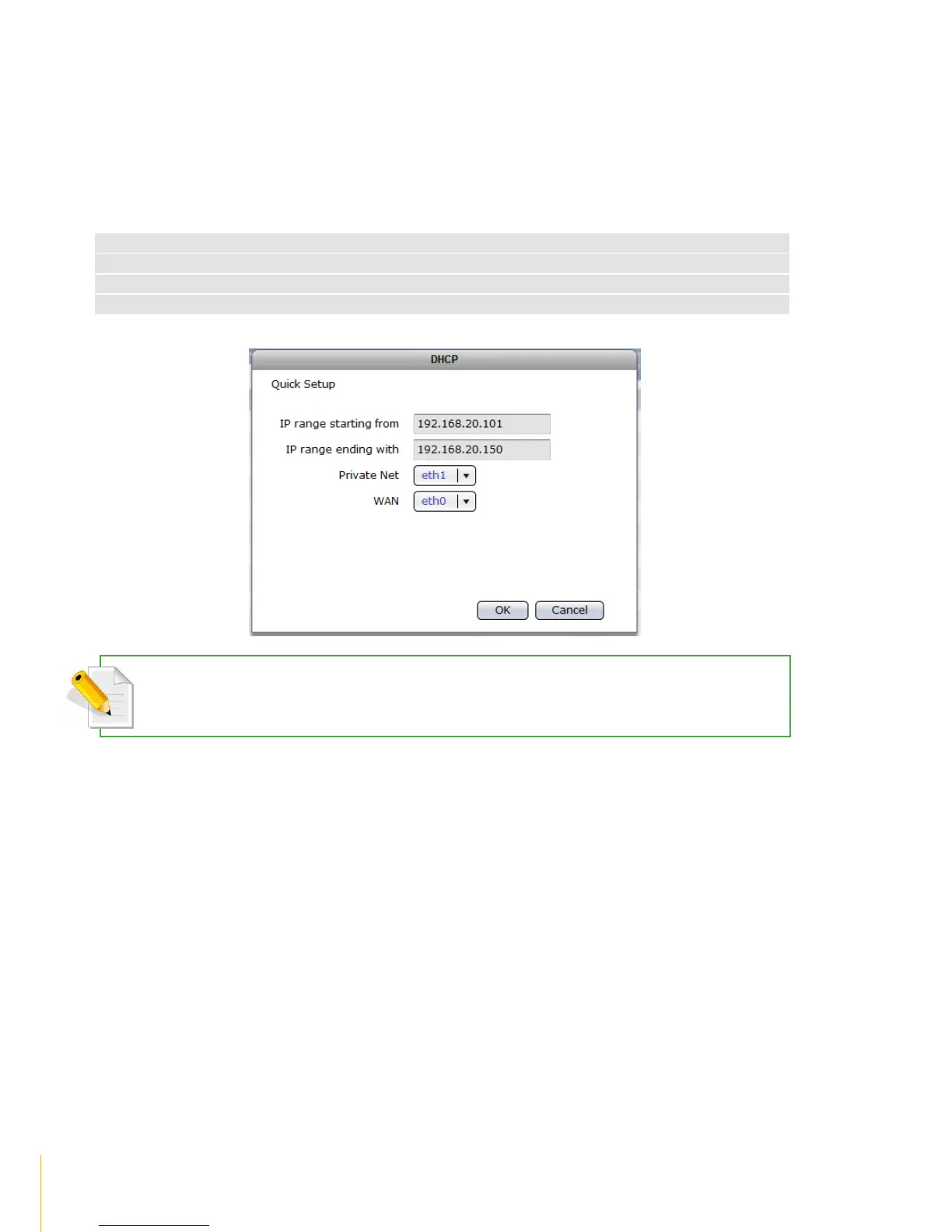
2. Click Edit,configure the following:
Means the starting address of range of private IP addresses for DHCP
Means the ending address of range of private IP addresses for DHCP
The network device connected to the private network. For example: eth1
The network device connected to the Internet / WAN. For example: eth0
NOTE: In this example, eth1 is assigned to Private Net and must have an IP in the same subnet, for example: as
192.168.20.2
3. Click OKto save.



 To Next Page