/ actiNAS Manager · System
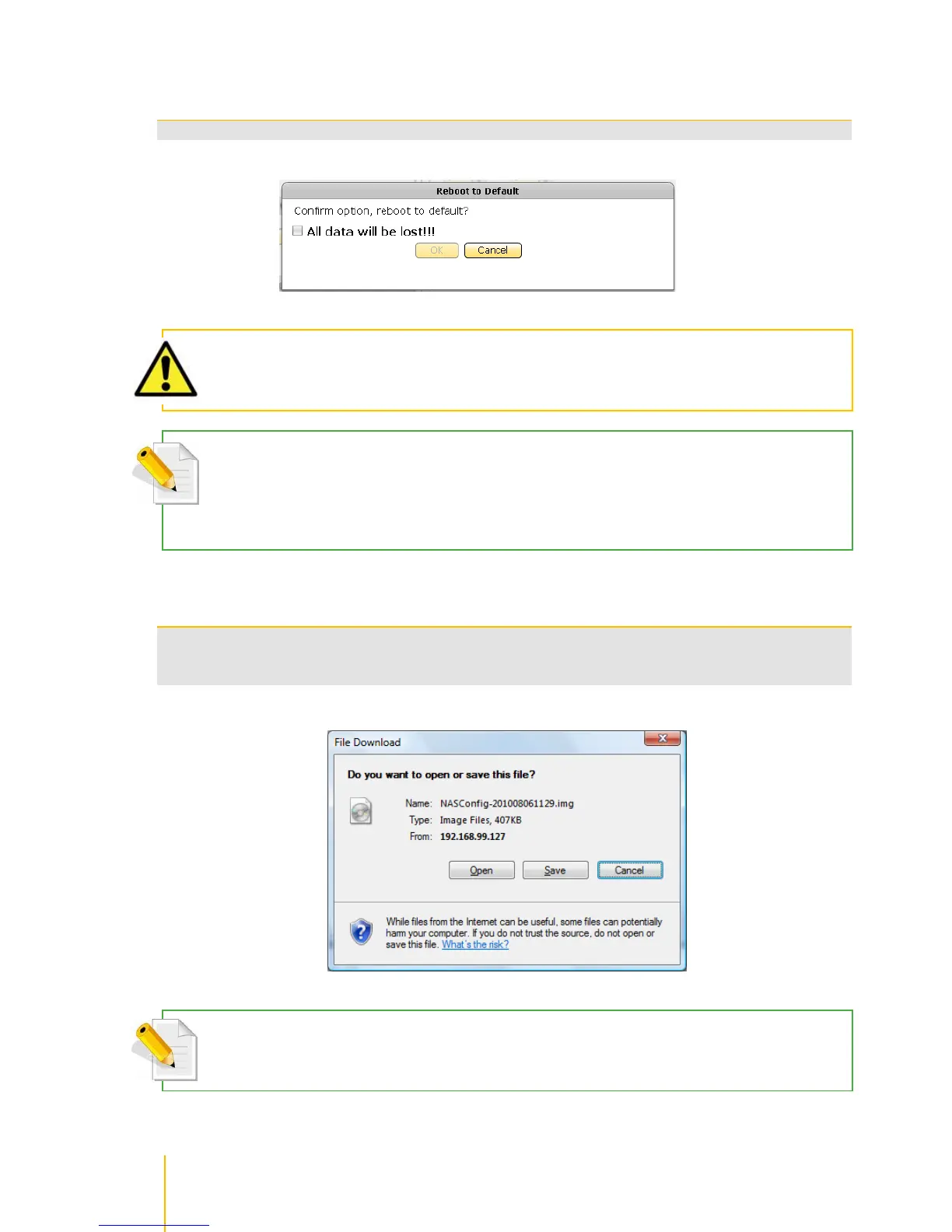
Use this button to reboot the NAS and restore to default configuration.
WARNING! Use the Reboot to Default function with care. Resetting the NAS to default configuration will delete
the current NAS settings and erase all existing data.
NOTE: If you have made a Data Backup to Local Disk (or external eSATA disk), shutdown the NAS and remove
the Local Disk (or eSATA disk) with Data Backup, then power on the NAS and do Reboot to Default. If the Local
Disk with Data Backup is in the NAS when Reboot to Default is executed, the data on the Local Disk will also be
cleared.
Use this button to export the NAS system configuration and save as image file, which can be
used later for restoration. After clicking Export Config, click Save to save the configuration
image file.
NOTE: Your web browser might be configured to block pop-ups. You need to allow pop-ups (temporarily) to be
able to download and save the configuration file.



 To Next Page