/ actiNAS Manager · System
Use this option to enter the SMTP server IP address.
Use this option to set the SMTP port number. Default is port 25.
Use this option to enter a valid email account in the SMTP server.
Use this option to enter the password of the email account.
Use this option to specify the sender‟s email address.
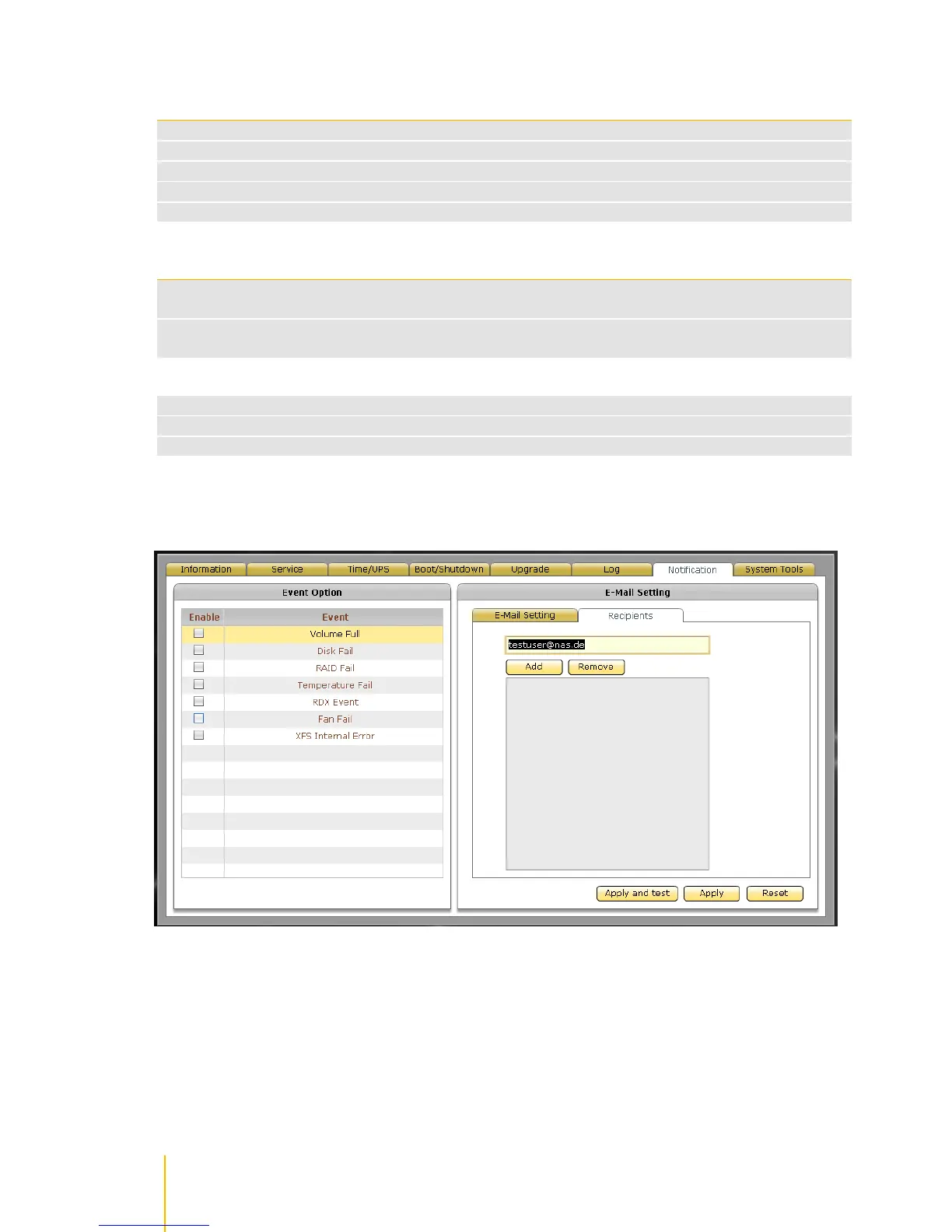
Use this button to add a recipient email address in the list of recipients. Type in the text box
the recipient email address.
Use this button to remove an email address from the list of recipients. Select first the email
address then click Remove.
Use this button to save the changes made and send test mail to the e-mail recipient(s).
Use this button to save the changes made.
Use this button to undo or clear any changes made.



 To Next Page