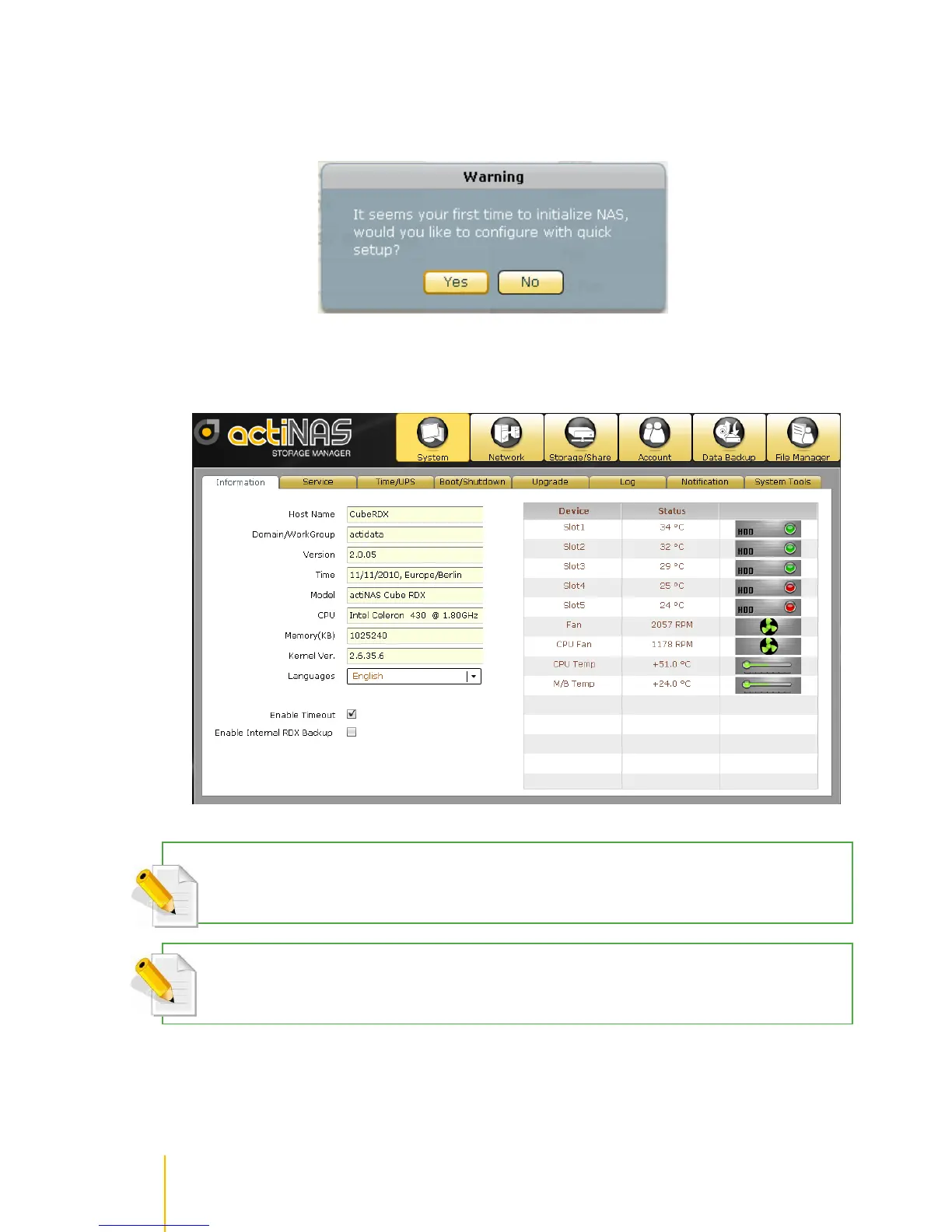
5. A warning message will be displayed. Select Yes to configure the NAS for the first time using Quick
Setup (see next Section how to configure with Quick Setup).
6. If you select No in the message shown in item #5 (no existing NAS configuration, or NAS system has
been configured already), after login, the actiNAS Manager GUI will be displayed.
NOTE:Enable Timeout is enabled by default. When there is no activity in the actiNAS Manager GUI, admin will
be automatically logged out after 15 minutes. To disable timeout, remove check mark in Enable Timeout.
NOTE: The Language options supports: English, Traditional Chinese, Simplified Chinese, Japanese, Korean,
and Spanish.



 To Next Page