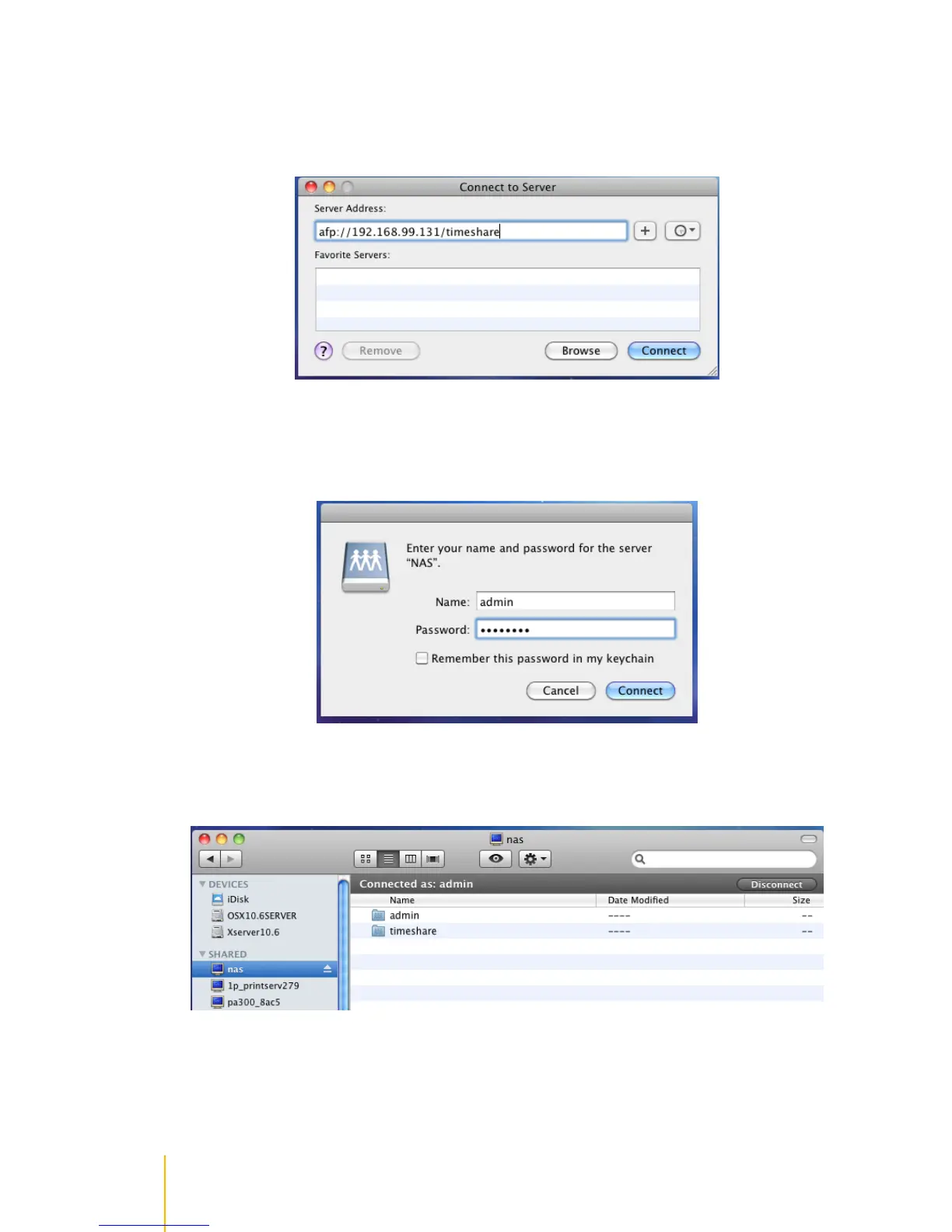
5. On Mac machine, to login to the NAS share folder via AFP, select Go then Connect to Server.
6. In Server Address, enter afp://x.x.x.x/timeshare, where x.x.x.x is the NAS IP address and
timeshare is the share folder previously configured for Time Machine use. Then click Connect.
7. Enter a validAccount Name and Password; use account which has permission to the NAS share
folder. In this example, admin account is used. Then click Connect.
8. The Mac will be connected to the NAS share folder.



 To Next Page