Chapter 8: Maintaining Physical Devices ● 100
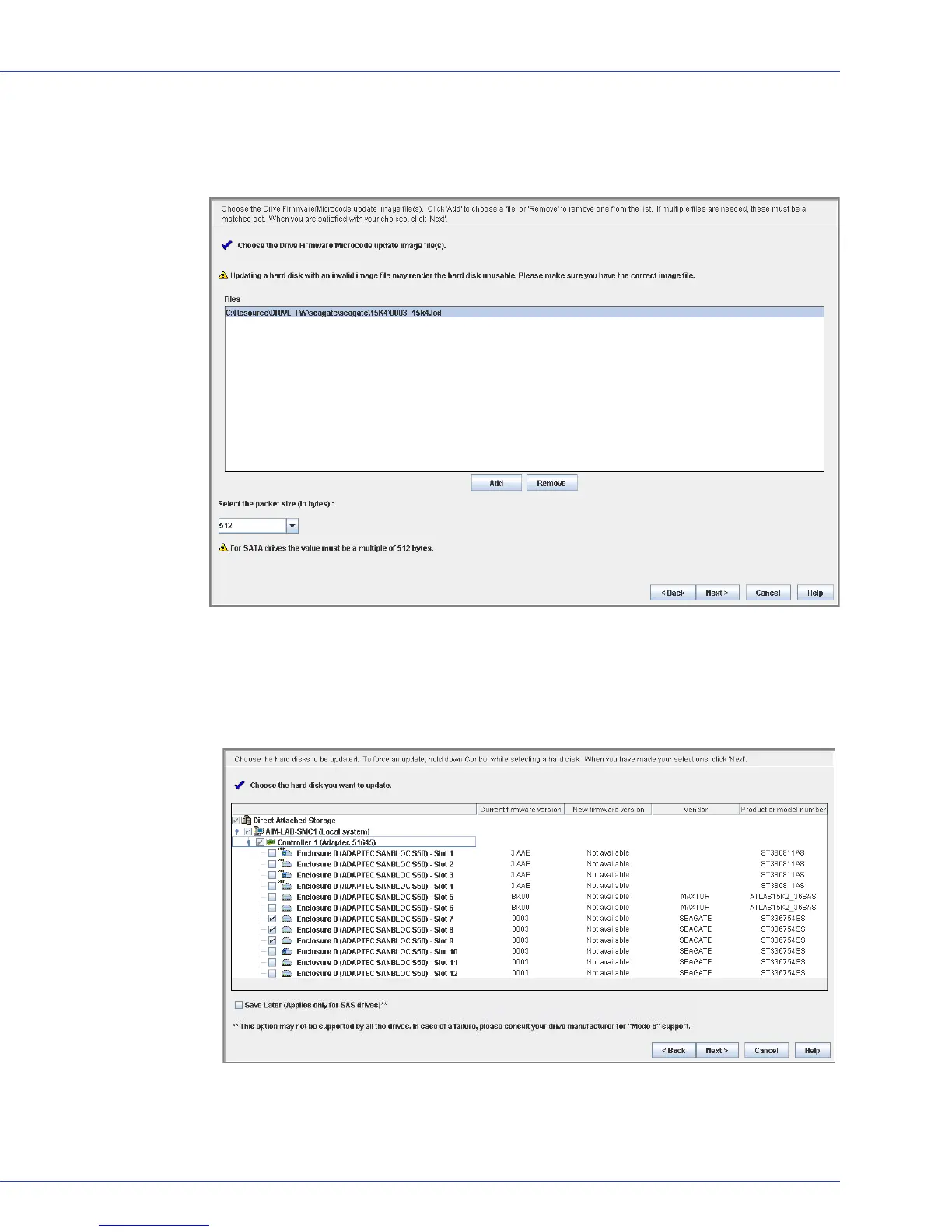
4 In the wizard, select the image file you want, choose the packet size (in bytes) from the
drop-down list, then click Next.
Note:
For SATA drives, the packet size must be a multiple of 512.
5
Select the disk drives you want to update, then click Next.
Note:
For SAS drives with “Mode 6” support, select Save Later to use the new firmware once,
during the current session, and to revert to the previous firmware the next time the drive is
started.
6
Review the update summary, then click Apply.



 To Next Page