Chapter 8: Maintaining Physical Devices ● 99
Updating the Disk Drive Firmware
To update the disk drive firmware:
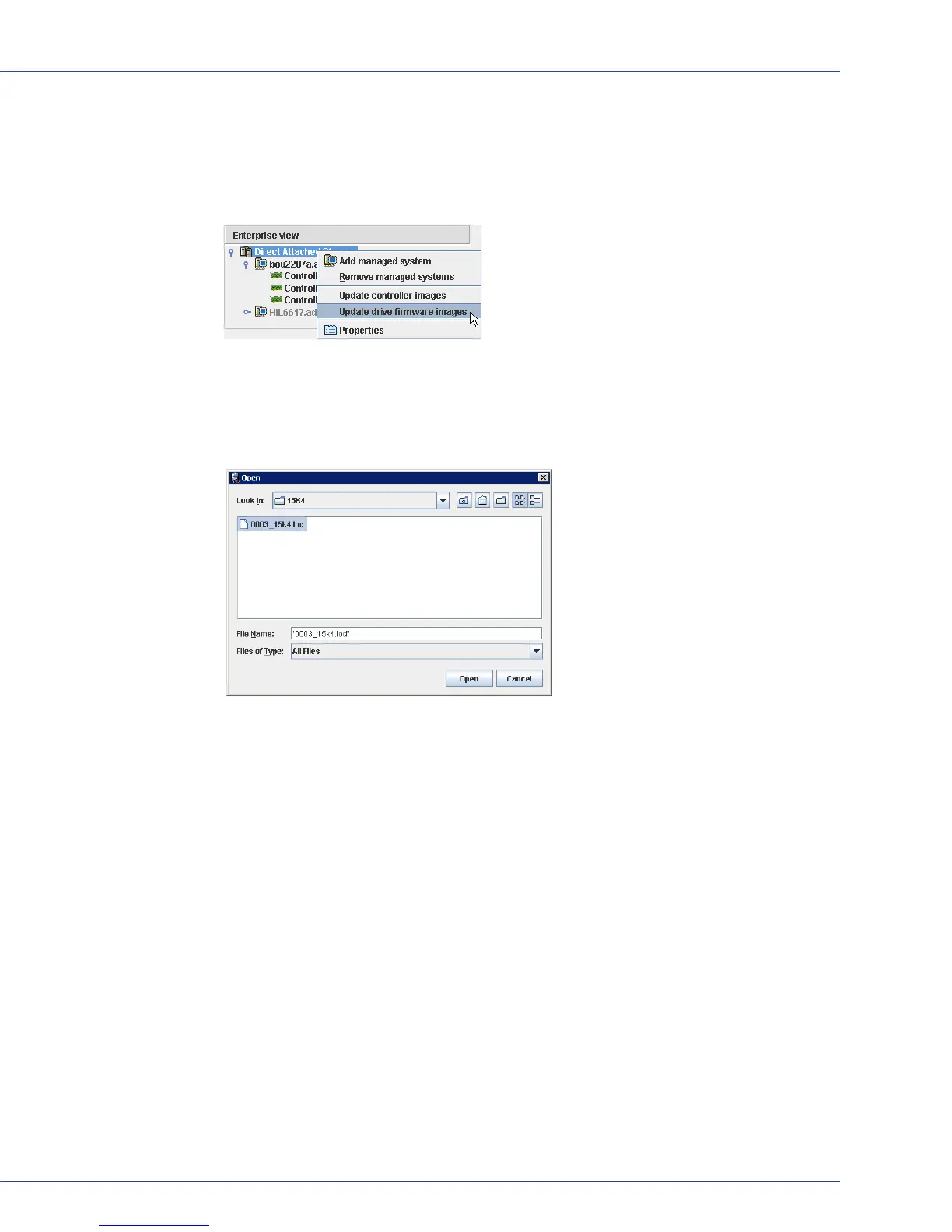
1 In the Enterprise View, right-click Direct Attached Storage, then click Update drive
firmware images.
The Drive Firmware Update wizard opens.
2 Click Next.
3 Click Add to browse to the firmware image file you downloaded, select the file, then click
Open.



 To Next Page