Chapter 9: Monitoring Status and Activity ● 109
If the test fails:
a Ensure that the receiving system is powered on and running Adaptec Storage
Manager.
b Open the receiving system’s System Properties window (see Step 4 on page 109) and
double-check the TCP/IP address and port number.
c Try sending the test event again.
Modifying a System’s Information or Remove a System
Follow the instructions in this section to specify a notification level for a system, or change the
TCP/IP information or host name of a system.
Note:
Does this system receive notifications from more than one system? Ensure you enter the
updated information on all affected systems.
To modify system information:
1 In the Enterprise View, select the system you want.
2 On the tool bar, click Configure, point to the system, then click Notifications.
The Notifications Manager opens.
3 Select the system you want to modify.
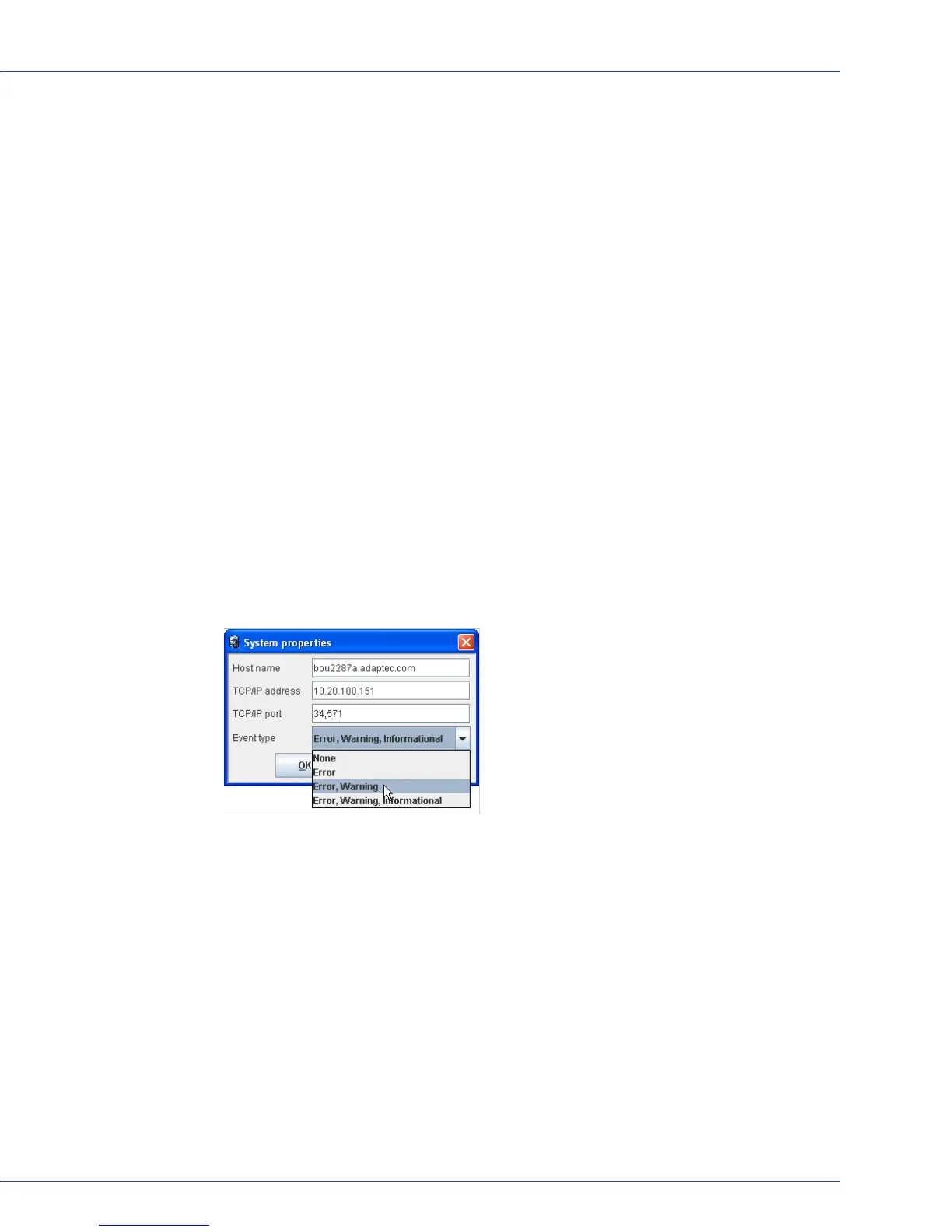
4 In the System Properties window, enter the new information or select a new notification
level in the Event Type drop-down menu, then click OK.
Or,
In the tool bar, click Delete system, then click Ye s to confirm the deletion.
Modifications become effective immediately. If you have deleted a system but you still
want to be notified about status and activity by logged notifications, ensure that there is at
least one system on the Notifications list. (See page 106 to add a new system.)



 To Next Page