Chapter 3: Building Your Storage Space ● 35
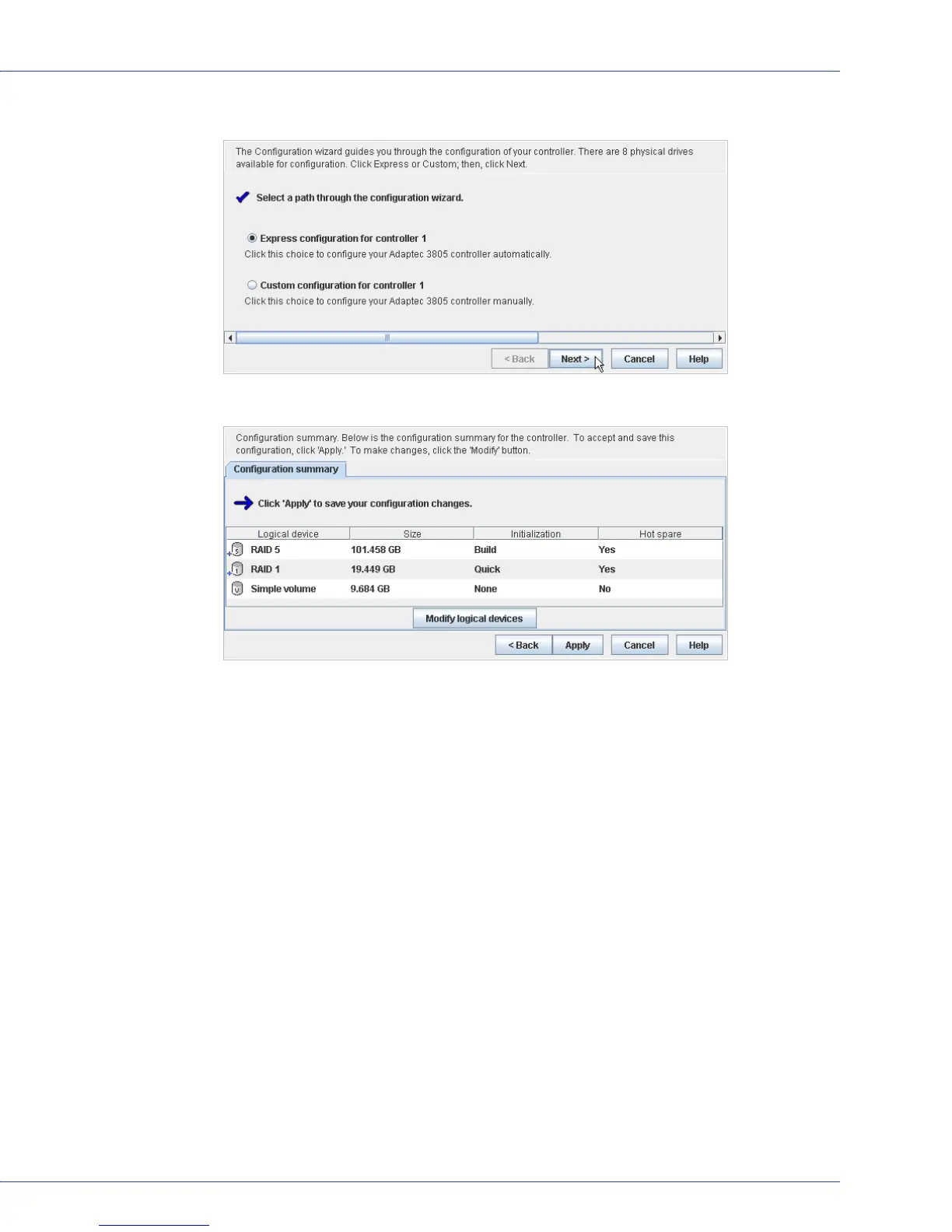
3 When the wizard opens, ensure that Express configuration... is selected, then click Next.
4 Review the information that is displayed.
To exclude specific disk drives, specify a size for the logical drives, or to make other
changes to the configuration, click Modify logical devices. See Step 7 on page 38 for more
information.
Note:
Some operating systems have size limitations for logical drives. Before you save the
configuration, verify that the size of the logical drive is appropriate for your operating system.



 To Next Page