Chapter 4: Exploring Adaptec Storage Manager ● 45
Resize the panels and scroll horizontally or vertically as required, to view more or less
information.
The Enterprise View
The Enterprise View is an expandable tree with one main branch, the Direct Attached Storage
branch, which displays automatically if you selected Direct Attached Storage when you
installed Adaptec Storage Manager.
Under Direct Attached Storage, the Enterprise View lists the local system (the system you’re
working on) and any remote systems with direct attached storage that you have logged in to
from the local system. (See ‘Local’ or ‘Remote’? on page 26 for more information.)
Expand a system in the Enterprise View to the see its controllers.
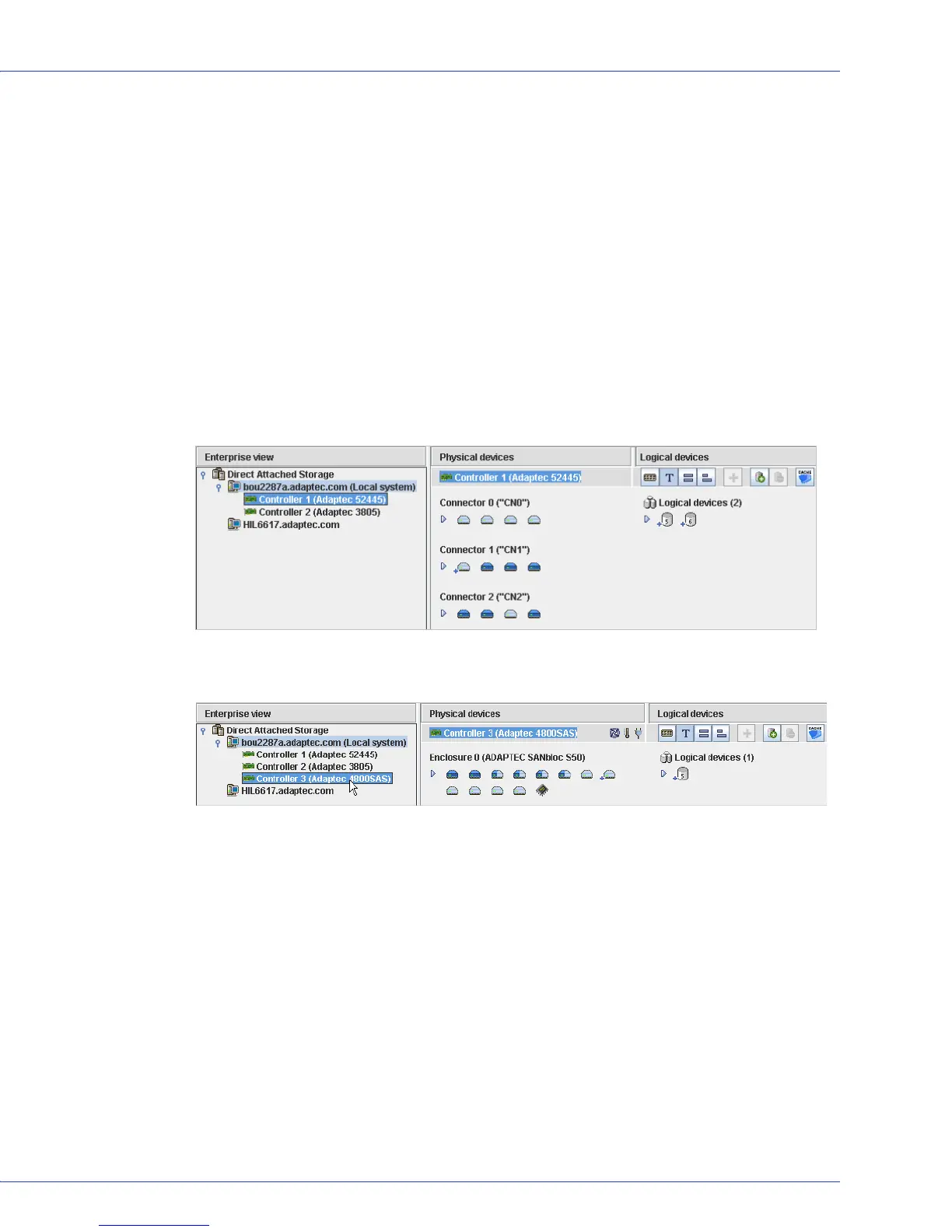
When you select a component in the Enterprise View, the controllers, disk drives, or logical
drives (“devices”) associated with it appear in the right-hand panel of the window, as shown in
these figures.
You can perform most tasks by selecting a controller in the Enterprise View and working with
its associated devices in the Physical and Logical Devices Views.
By selecting a controller in the
Enterprise View...
...the disk drives (shown above) or enclosures and disk drives
(shown below) connected to it and the logical drives created with
those disk drives appear in the Physical and Logical Devices Views.



 To Next Page