Chapter 4: Exploring Adaptec Storage Manager ● 48
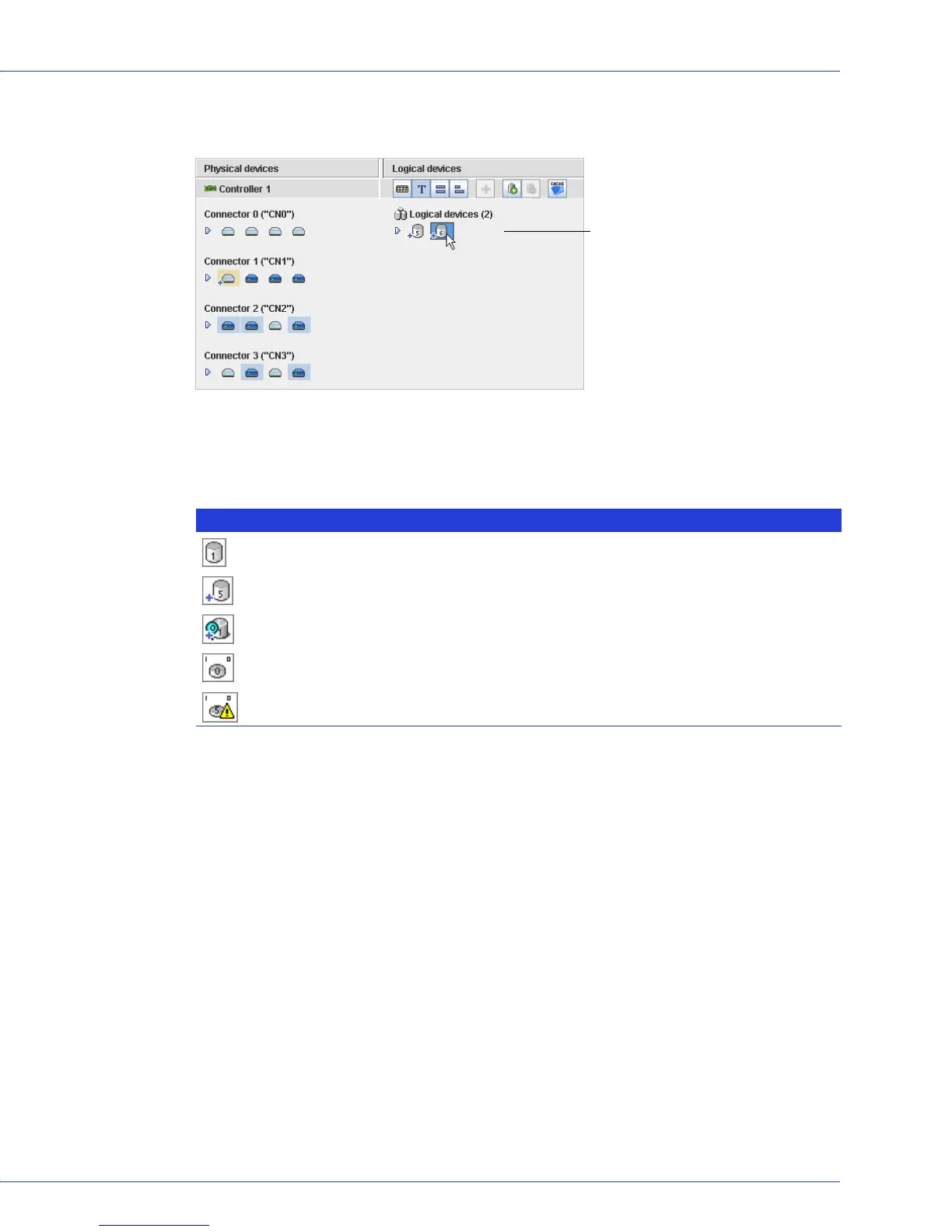
Click on a logical drive to highlight the disk drives that comprise it in the Physical Devices
View.
You can also click on any disk drive to see which (if any) logical drive it belongs to. A disk drive
shaded in light blue is not part of any logical drive.
What do the icons in the Logical Devices View mean?
Five disk drives (plus one hot spare)
comprise the selected RAID 6 logical
drive.
Icon Description
Logical drive
Logical drive with healthy hot spare
Logical drive being initialized
Logical drive being modified
Logical drive being rebuilt after disk drive failure



 To Next Page