4
ADOBE ILLUSTRATOR CS2
User Guide
A B C D E
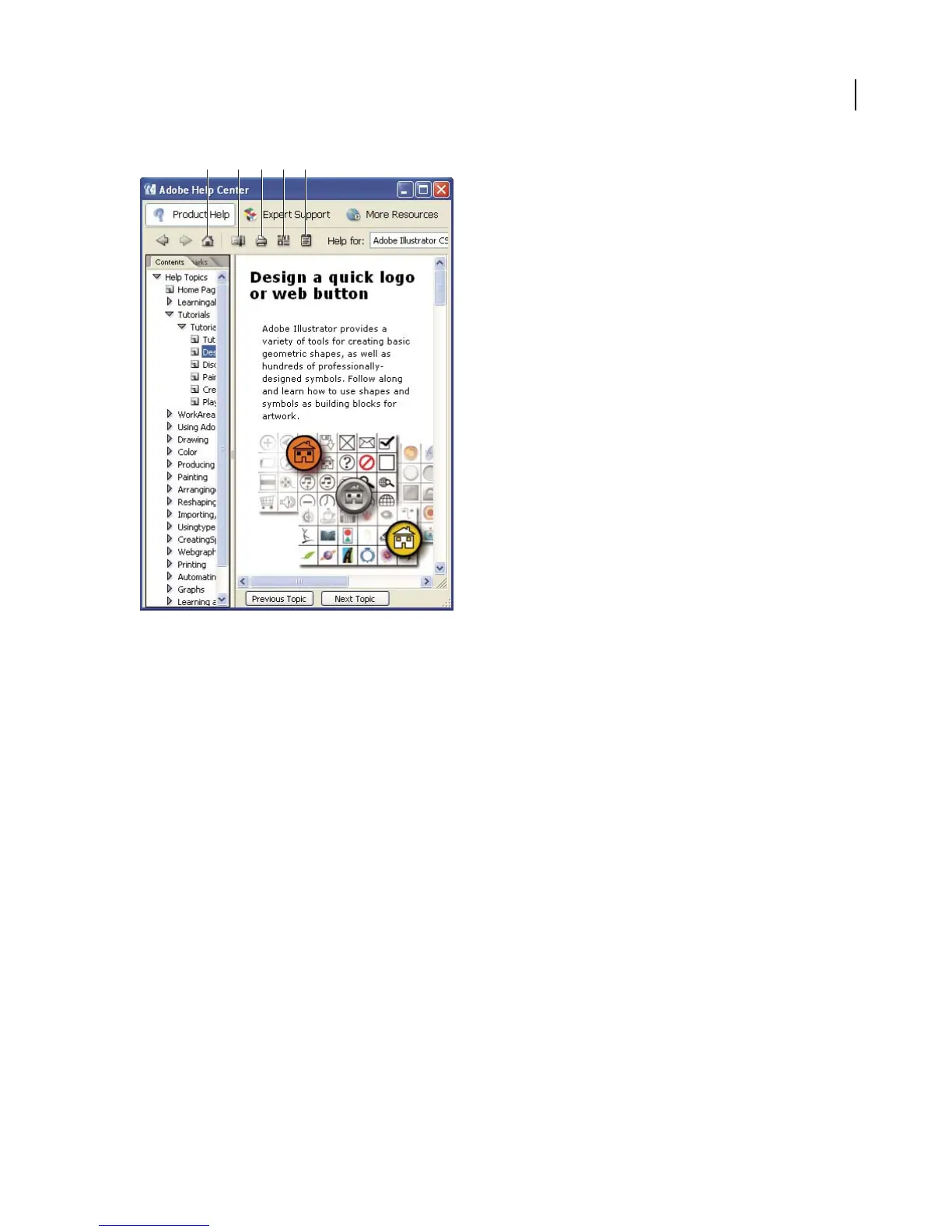
Product Help section of Adobe Help Center
A. Returns you to Help home page B. Adds bookmark for current topic C. Prints contents of right pane D. Opens Preferences dialog box
E. Opens About Adobe Help Center window
See also
“To navigate Help” on page 4
“To search Help topics” on page 5
To navigate Help
❖ Do any of the following:
• To view Help for a product, choose the product name from the Help For menu. (To view only topics that apply
across all Creative Suite products, choose Adobe Creative Suite.)
• To expand or collapse a section, click the blue triangle to the left of the section name.
• To display a topic , click its title.
See also
“To use bookmarks” on page 6



 To Next Page