248
ADOBE ILLUSTRATOR CS2
User Guide
A B
C D
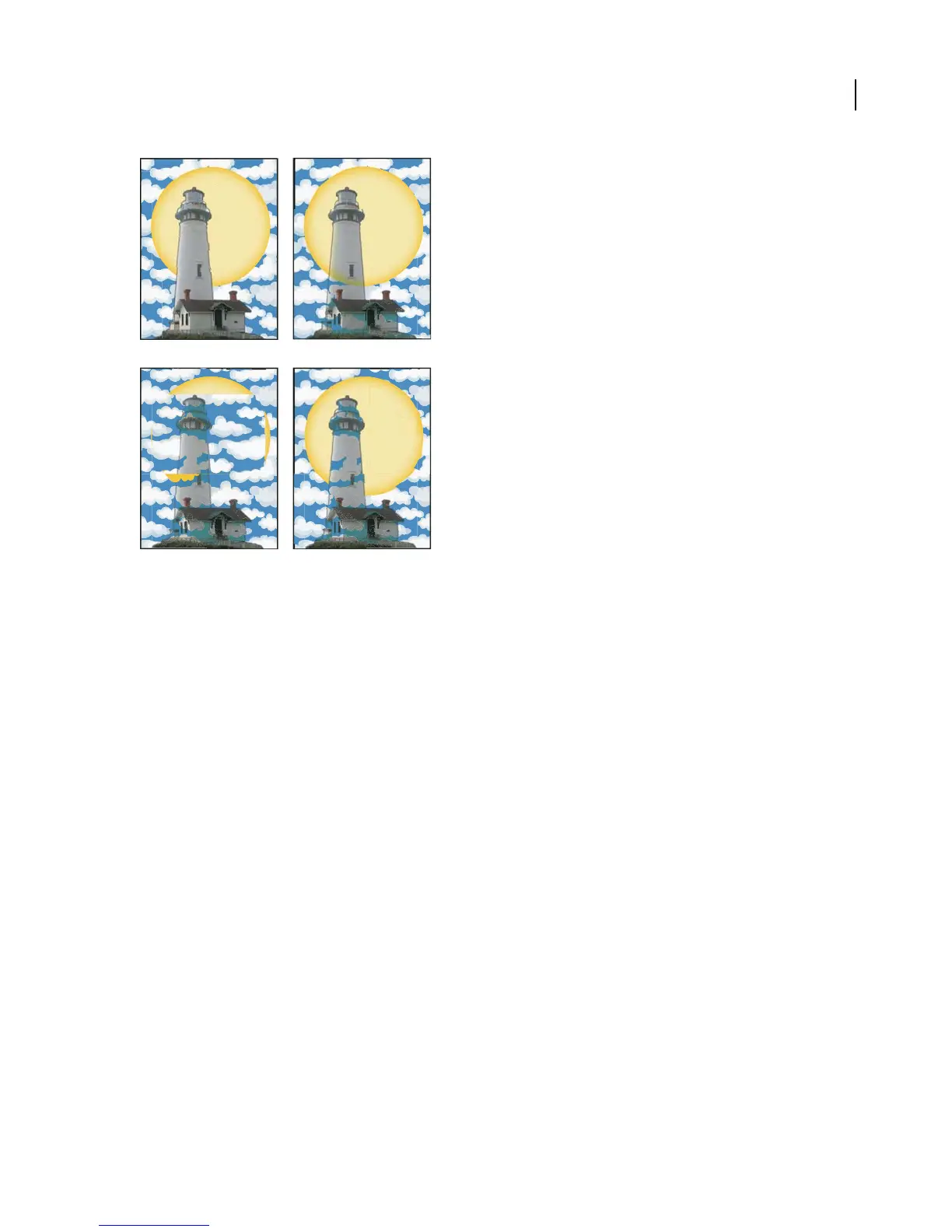
Knocking out shapes using a bitmap object
A. Lighthouse with transparent background B. Darken blending mode applied to lighthouse C. Lighthouse andmoongrouped andKnockout
Group option selected D. Opacity & Mask Define Knockout shape option applied to lighthouse
See also
“About the Transparency palette” on page 243
“Printing and exporting transparent artwork” on page 484
“About targeting” on page 420
Blending modes
About blending modes
Blending modes let you vary the ways that the colors of objects blend with the colors of underlying objects. When
you apply a blending mode to an object, the effect of the blending mode is seen on any objects that lie beneath the
object’s layer or group.
It’s helpful to think in terms of the following color terminology when visualizing a blending mode’s effect:
• The blend color is the original color of the selected object, group, or layer.
• The base color is the underlying color in the artwork.
• The resulting color is the color resulting from the blend.



 To Next Page