469
ADOBE ILLUSTRATOR CS2
User Guide
Print dialog box options
Each category of options in the Print dialog box—from General options to Summary options—is organized to guide
you through the process of printing your document. To display a set of options, select the set name on the left side
of the dialog box.
General Set the page size and orientation, specify how many pages to print, scale the artwork, and choose which
layers to print.
Setup Crop the artwork, change the placement of artwork on the page, and specify how to print artwork that doesn’t
fit on a single page.
Marks & Bleed Select printer’s marks and create a bleed.
Output Create color separations.
Graphics Set printing options for paths, fonts, PostScript files, gradients, meshes, and blends.
Color Management Select a color profile and rendering intent for printing.
Advanced Control the flattening (rasterization) of vector artwork during printing.
Summary View and save a summary of print settings.
Printing color separations
About color separations
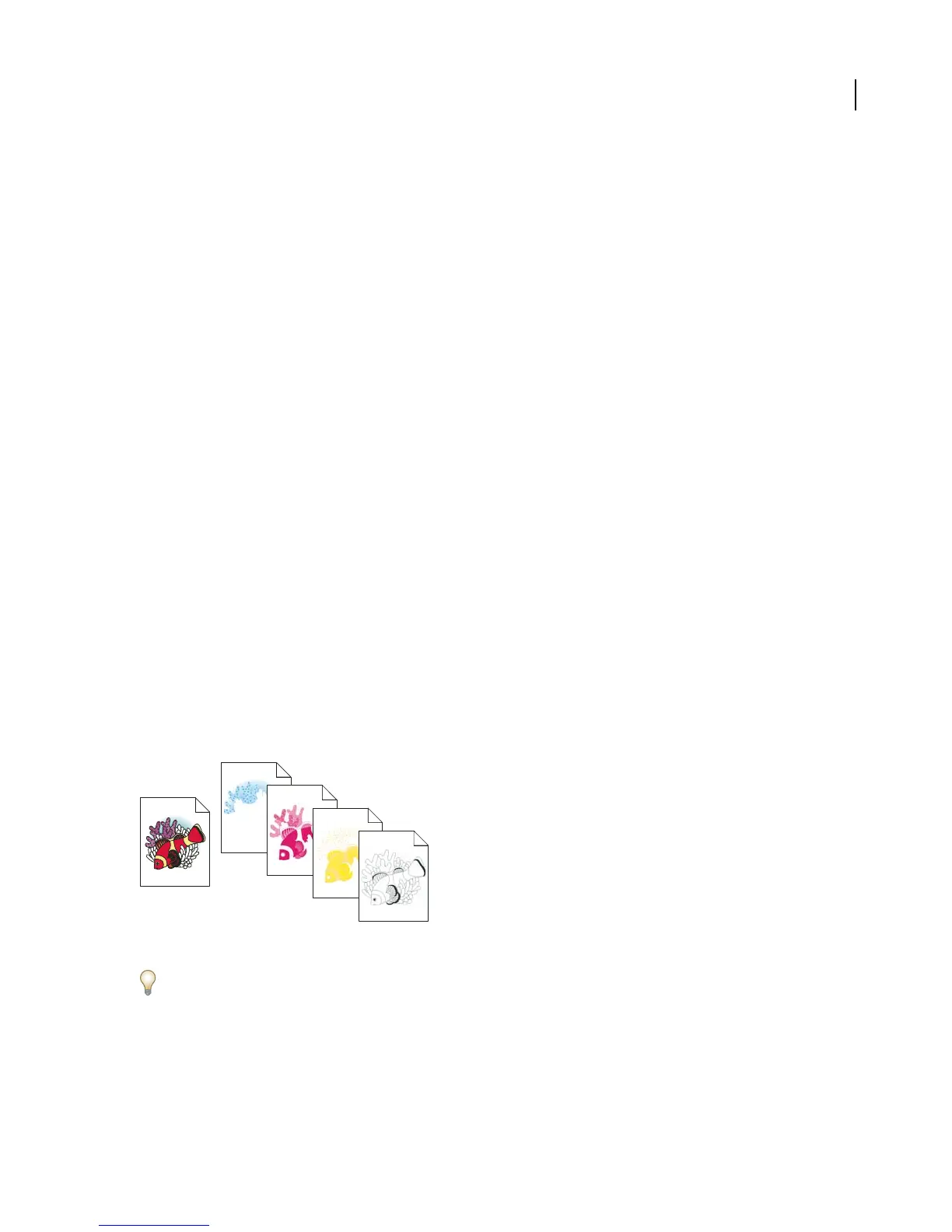
To reproduce color and continuous-tone images, printers usually separate artwork into four plates (called process
colors)—one plate for each of the cyan, magenta, yellow, and black portions of the image. You can also include custom
inks (called spot colors). In this case,aseparate plateiscreated foreachspotcolor.Wheninked with theappropriate
color and printed in register with one another, these colors combine to reproduce the original artwork.
The process of dividing the image into two or more colors is called color separating, and the films from which the
plates are created are called the separations.
Composite image printed on a color laser printer compared to four-color separations printed on an imagesetter.
To produce high-quality separations, you should work closely with the print shop that will produce your separations,
consulting its experts before beginning each job and during the process.
See also
“About process colors” on page 190
“About spot colors” on page 191



 To Next Page