145
ADOBE ILLUSTRATOR CS2
User Guide
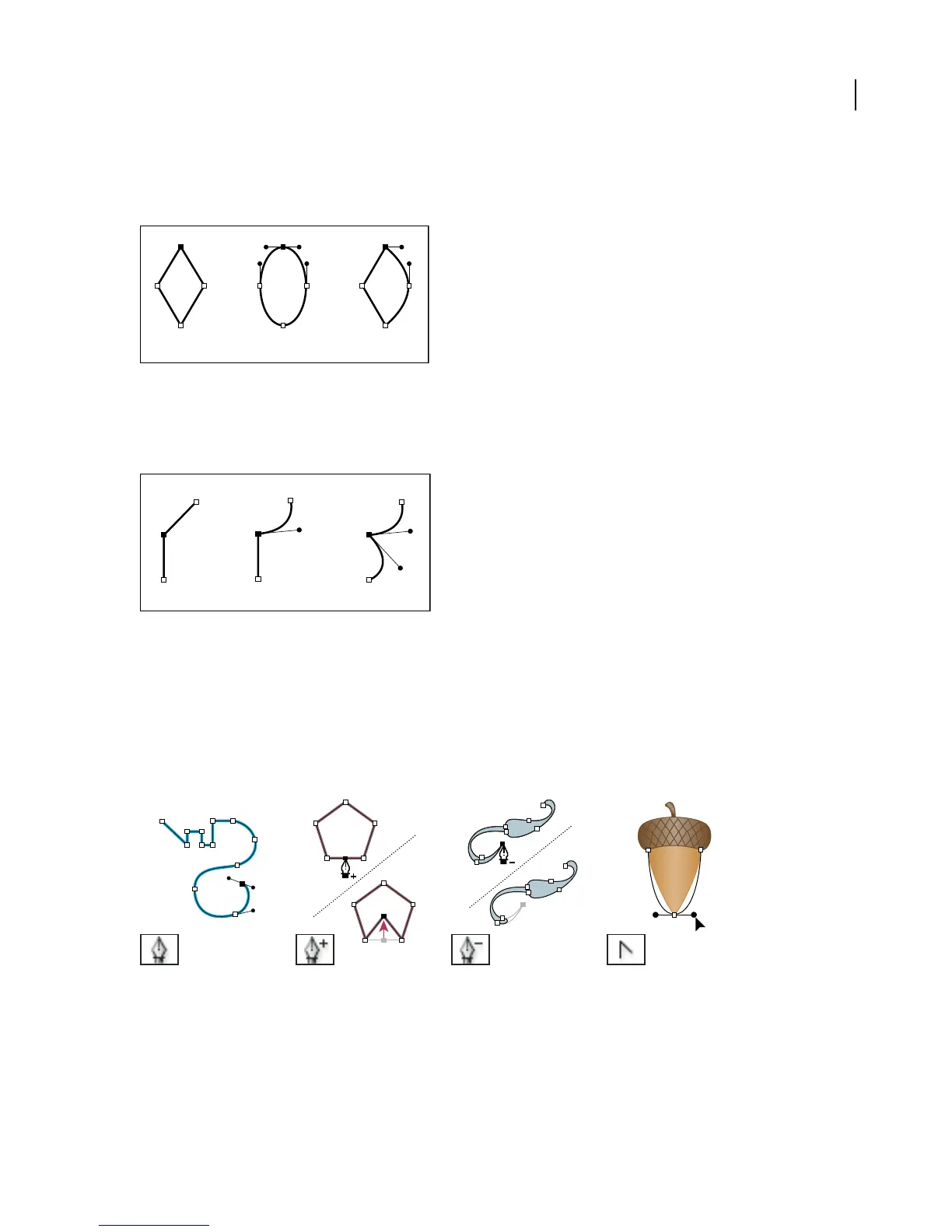
Paths can have two kinds of anchor points—corner points and smooth points. At a corner point, a path abruptly
changes direction. At a smooth point, path segments are connected as a continuous curve. You can draw a path using
any combination of corner and smooth points. If you draw the wrong kind of point, you can always change it.
A B C
Points on a path
A. Four corner points B. Four smooth points C. Combination of corner and smooth points
A corner point can connect any two straight or curved segments, while a smooth point always connects two curved
segments.
A corner point can connect both straight segments and curved segments.
See also
“Direction lines and direction points” on page 157
Drawing tool gallery
Illustrator provides the following drawing tools:
The Pen tool (P) draws The Add Anchor Point tool
(+) adds anchor points to
paths.
The Delete Anchor Point tool The Convert Anchor Point
straight and curved lines to (-) deletes anchor points from tool (Shift+C) changes
create objects. paths. smooth points to corner
points and vice versa.



 To Next Page