298
ADOBE ILLUSTRATOR CS2
User Guide
Liquify tool options
Double-click a liquify tool to set tool options.
Width and Height Controls the size of the tool cursor.
Angle Controls the orientation of the tool cursor.
Intensity Specifies the rate of change for the distortion. Higher values equal faster changes.
Use Pressure Pen Uses the input from a tablet or pen instead of the Intensity value. If you don’t have a pressure-
sensitive tablet attached, this option is dimmed.
Complexity (Scallop, Crystallize, and Wrinkle tools) Specifies how closely the results of the particular brush are
spaced on the object’s outline. This is closely tied with the Detail value.
Detail Specifies the spacing between points introduced into the object’s outline (higher values space points closer
together).
Simplify (Warp, Twirl, Pucker, and Bloat tools) Specifies how much you want to reduce the superfluous points that
do not measurably affect the overall appearance of the shape.
Twirl Rate (Twirl tool only) Specifies the rate at which the twirl is applied. Enter a value between –180˚ and 180˚.
Negative values twirl the object clockwise and positive values twirl counterclockwise. The object twirls faster with
values that are closer to either –180˚ or 180˚. To twirl slowly, specify a rate close to 0˚.
Horizontal and Vertical (Wrinkle tool only) Specifies how far apart the control points are placed.
Brush Affects Anchor Points, Brush Affects In Tangent Handles, or Brush Affects Out Tangent Handles (Scallop,
Crystallize, Wrinkle tools)
Enables the tool brush to make changes to these properties.
Envelopes
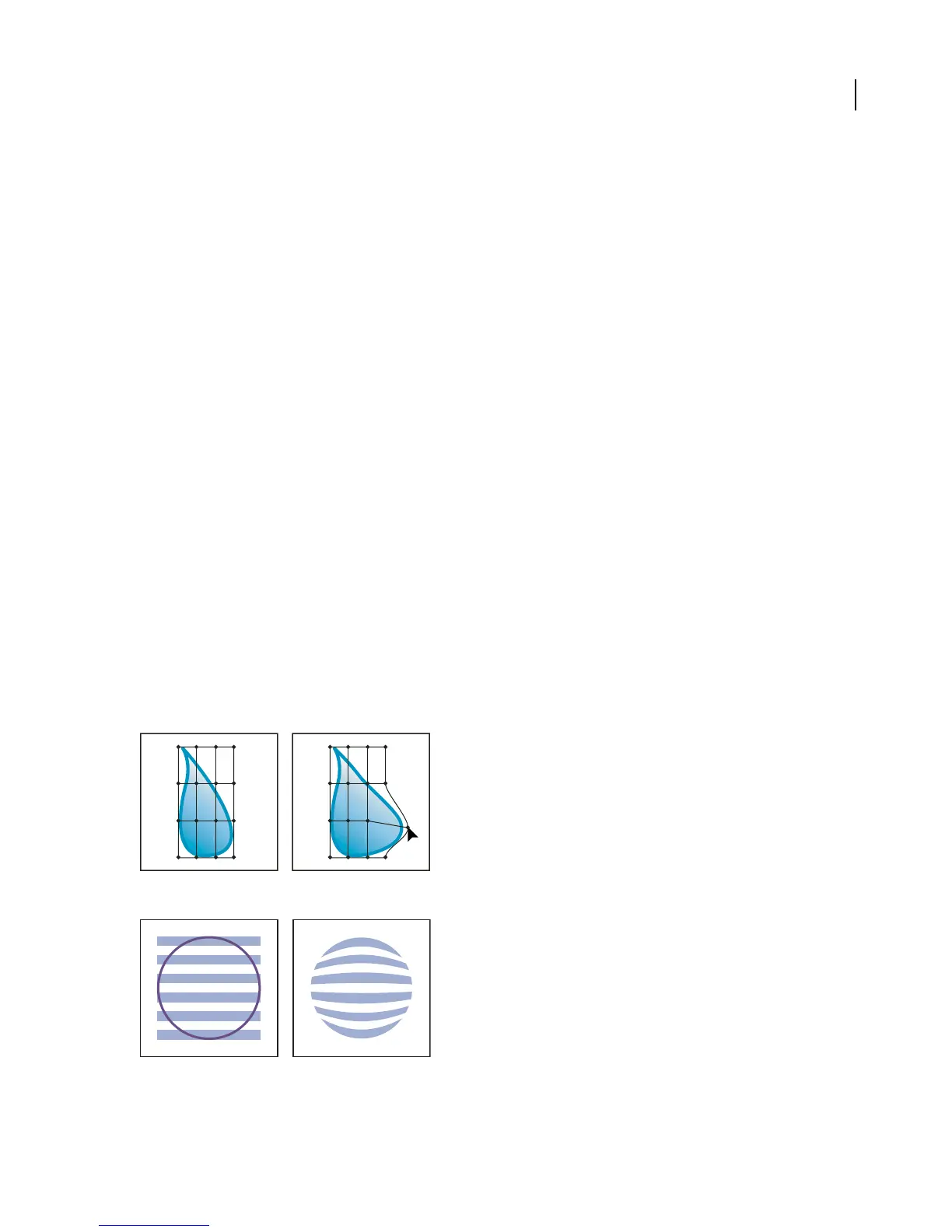
Envelopes are objects that distort or reshape selected objects. You can make an envelope out of an object on your
artboard, or you can use a preset warp shape or a mesh grid as an envelope. You can use envelopes on any object
except graphs, guides, or linked objects (with the exception of TIFF, GIF, and JPEG files).
Mesh grid envelope
Envelope created from another object



 To Next Page