28
ADOBE ILLUSTRATOR CS2
User Guide
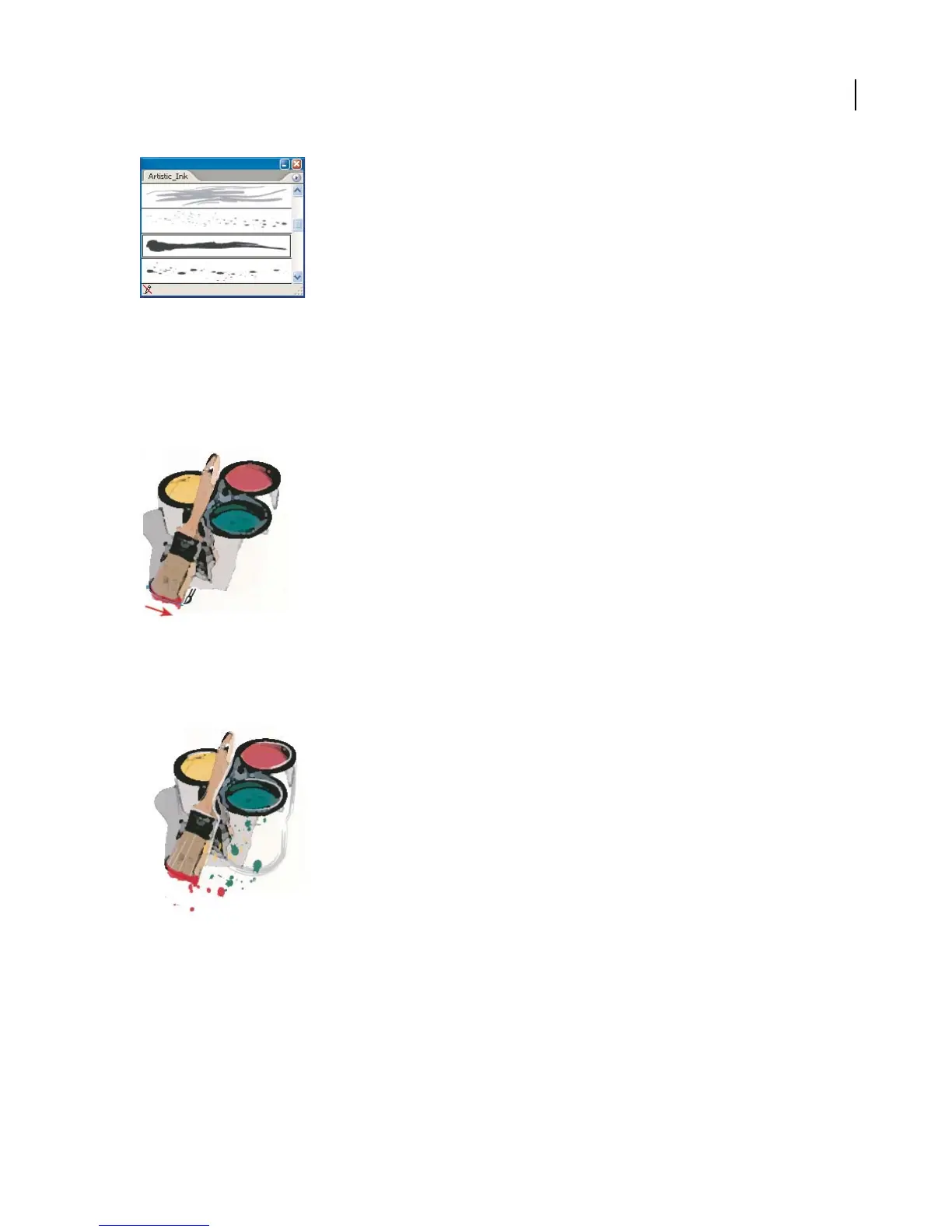
6. Apply a brush stroke.
Select the Paintbrush tool, and select a color. We used the Eyedropper tool to sample a color in our artwork. Then
drag to apply the stroke.
If you want more precision, use the Pen tool to draw a path, and then apply the brush to the path. (See “To apply
brush strokes” on page 237.)
7. Experiment with different brushes.
We added some green splatters using the Ink Splatter brush and some yellow splatters using the Galaxy brush. Then
we defined the edges of the paint cans using the Dry Ink brush.



 To Next Page