1569‐PT060EE1 Rev.7 Page28of62
5. MANAGEMENT OF THE INSTRUMENT
5.1 Introduction
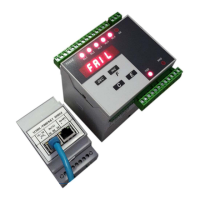
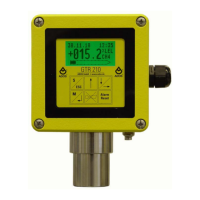
T060Etransmitteris a programmableinstrumentable tocarry outa seriesof functionsthatmay be adaptedand/or
personalizedbytheuser,intendedformultipleapplications.
Thesefunctionscanbemodifiedthroughtheconfigurationparameters.
Therefore,theinstrumentmustbeconfiguredaccordingtothespecificapplication,beforebeingused.
Allconfigurationparametersarestoredinanon‐volatilememory.
The status of the parameter memory is checked when turning on the instrument: in case of negative outcome, the
instrumentisautomaticallyre‐initializedtothebasicconfigurationandmustbere‐configuredandre‐calibrated.
5.2 Operational sequence
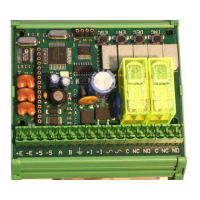
Afterperformingall
connections,thelogicoperationalsequenceforesees:
Theconfigurationofoperationalparameters
Thesystem’scalibration
5.3 Selectionofthemanagementfunctions
Thefollowingmanagementfunctionsareforeseen:
CONFIGURATIONSet‐upofgeneralparameters
CALIBRATION Weightcalibration
INSTRUMENTTEST Managementoftestfunctions
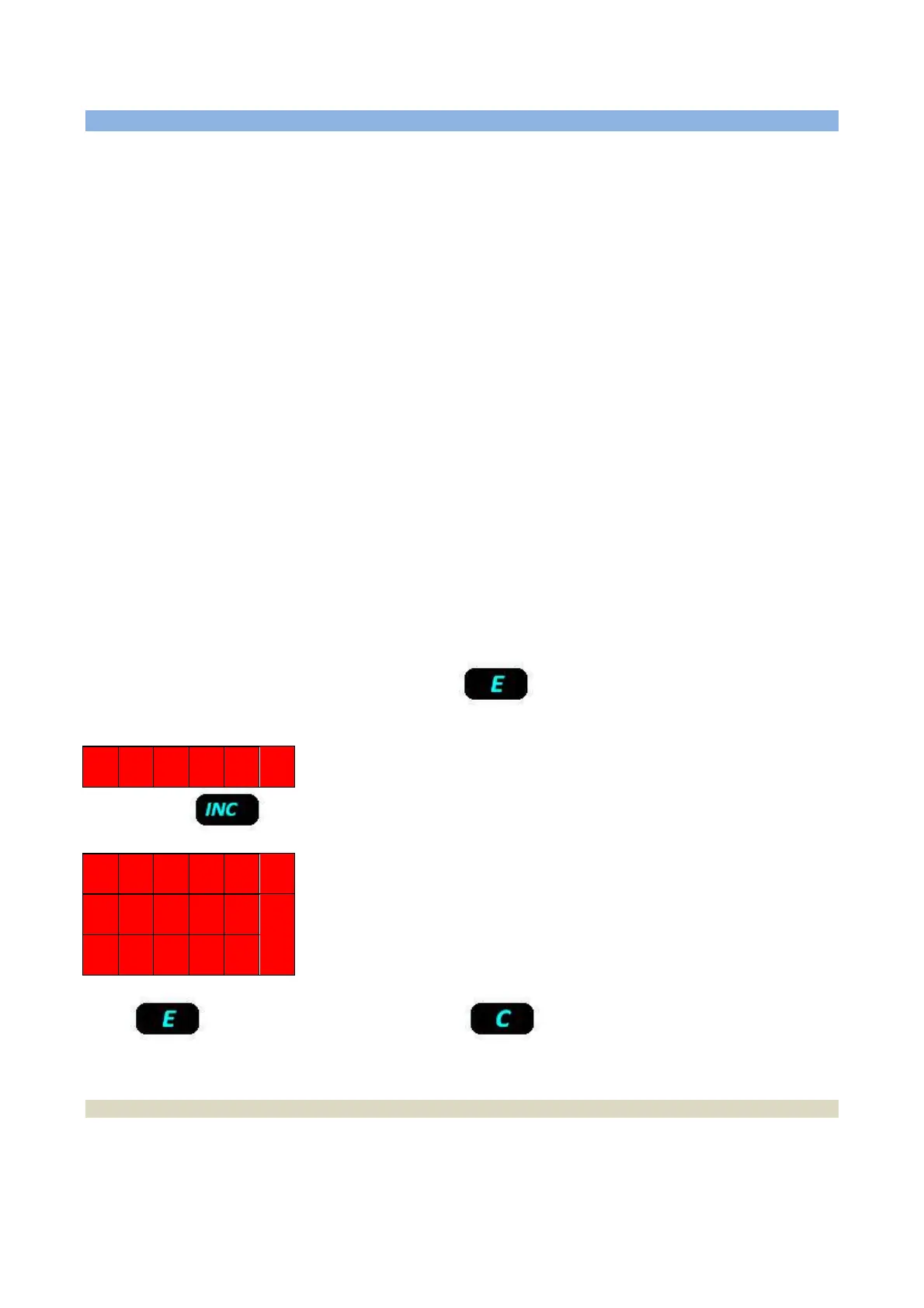
Toaccesstheinstrument’smanagementmode,presskey .
Theinstrumentisreadytoconfiguretheparametersanddisplaysthefollowingmessage:
C O N F
Bypressingkey ,themanagementleveliscommutedandthefollowingmessagesappear:
C O N F
C A L
T E S T
Press toconfirmtheselection,whilepresskey tocancelthemanagementrequestandreturn
tooperationalmode.
5.3.1 Time-Out function on the keys’ operation
After 30 seconds of keyboard’s inactivity, the instrument automatically generates a key code “C”, therefore the
instrumentisquitduringtheconfigurationorcalibrationphase,returningautomaticallytotheupperlevelmenuand
operationalstatus.


 To Next Page