Configuration and Activation 4-13
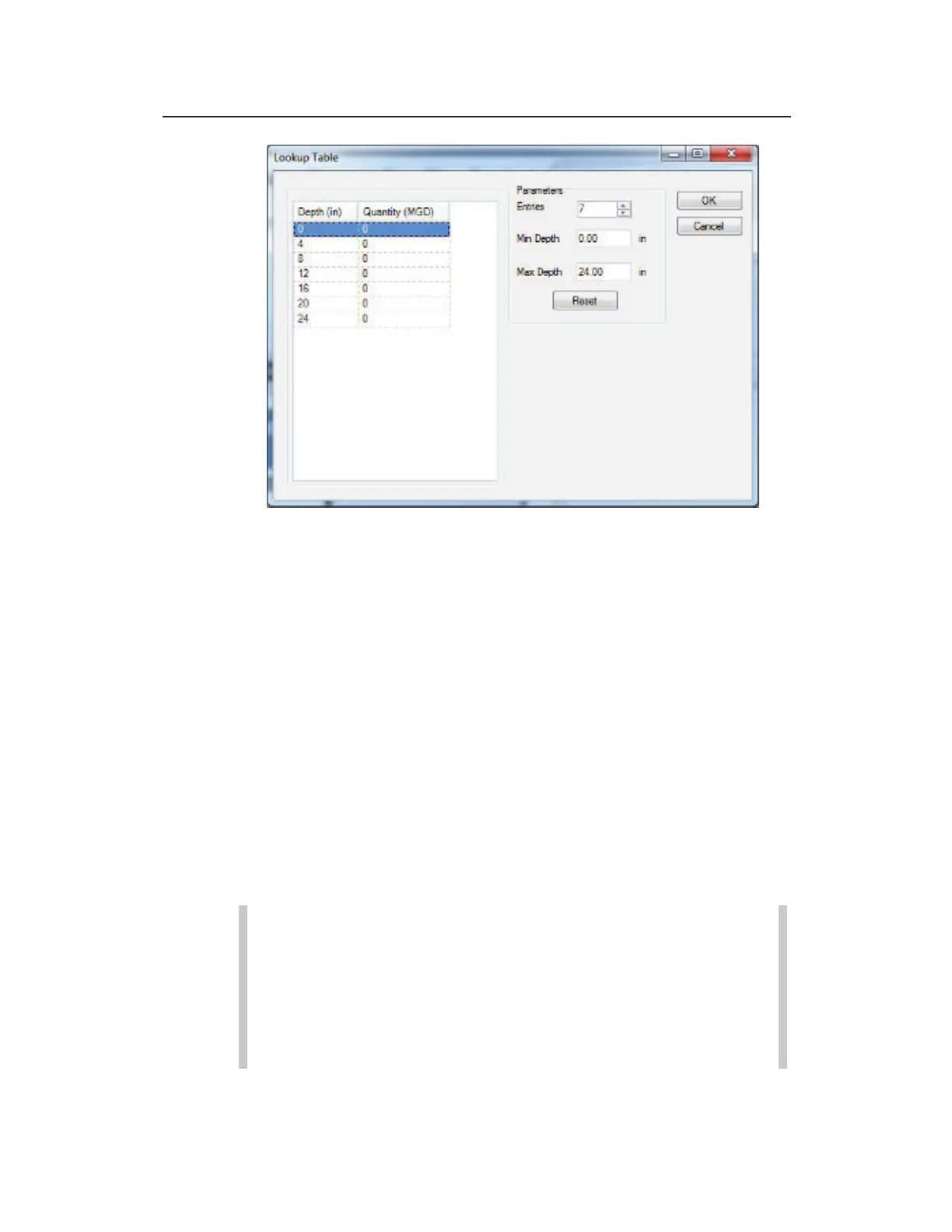
Lookup Table dialog
Entries Enter the number of depth values you want
to display.
Min Depth Enter the minimum depth possible at the
monitoring point. This parameter defaults to zero and
does not require modification.
Max Depth Enter the maximum depth possible at
the monitoring point. This parameter defaults to the
value designated in the Height field and does not
require editing.
Quantity (MGD) Enter the quantity that will
correspond to each depth on the Lookup table.
Click on the OK button to save any changes and entries
made on the Lookup Table dialog and exit the dialog.
Note: Clicking on the Reset button will set all quantities
designated in the Lookup table to 0.00. This will not
modify the values entered in the Entries, Min Depth, or
Max Depth fields. Clicking on the Cancel button will
close the Lookup Table dialog without saving any of the
modifications.



 To Next Page