Configuration and Activation 4-19
Editing the Advanced Device - Modem Setup Tab
Note: The default setting for the Advanced Device is
ADSENV.com. There is no need to change this for
monitors with a WorldWide LTE-M modem (4WW) or a
4VZ modem.
The following applies only to 2G or 3G modems:
Each 2G or 3G network requires you to configure the monitor
modem with the appropriate APN (Access Point Name) information
corresponding to the carrier’s SIM card to ensure access to the
provider’s network.
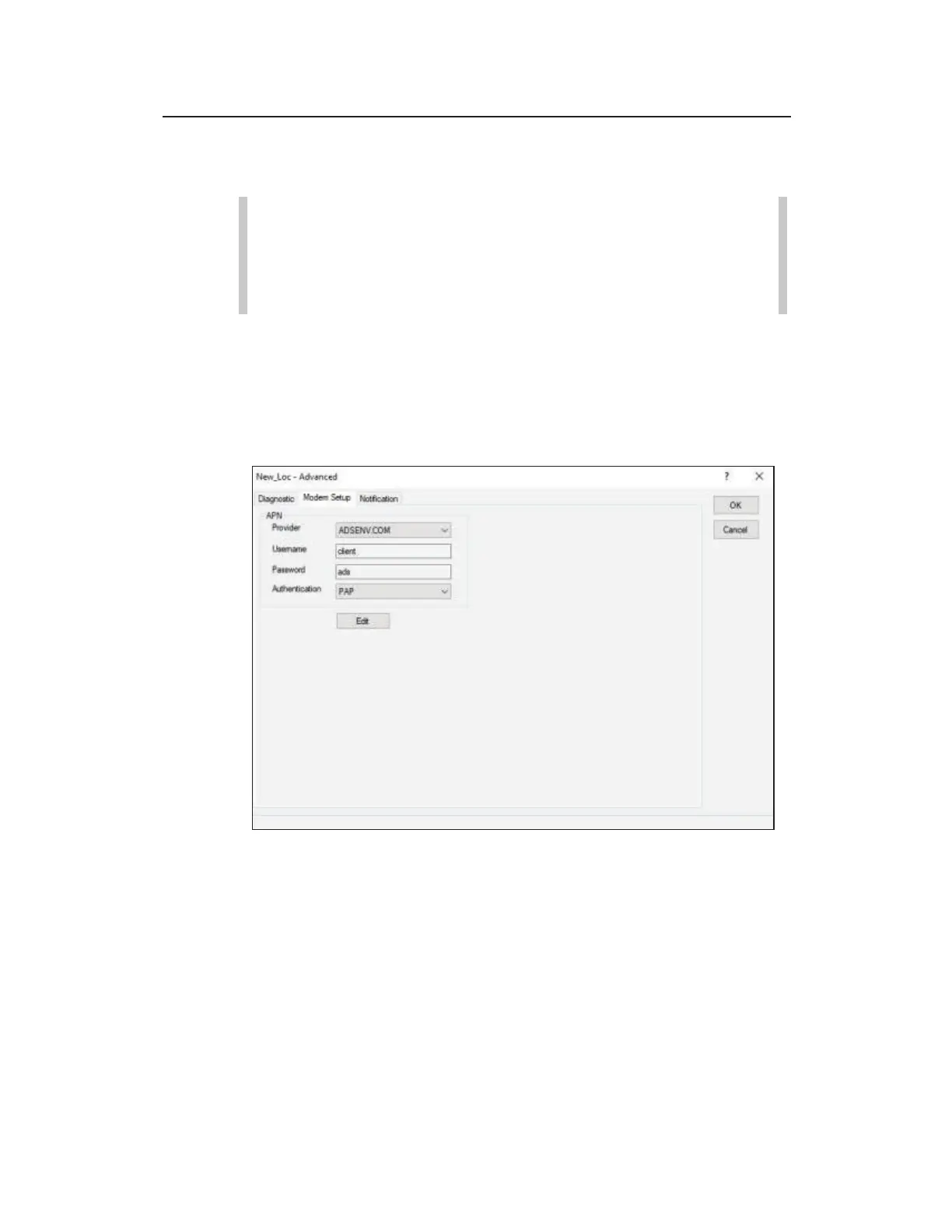
Advanced Device - Modem Setup dialog
Edit the Modem Setup device using the following information:
z Provider Identify the host name of your ADS supplied private
static SIM or your non-ADS supplied SIM. If the host name
you want is not included on the list, use the Edit button to add a
new Provider.
z Username This field is read-only and displays the username
associated with the selected Provider. This information is
given to you by your wireless SIM host to gain access to the



 To Next Page