Configuration and Activation 4-25
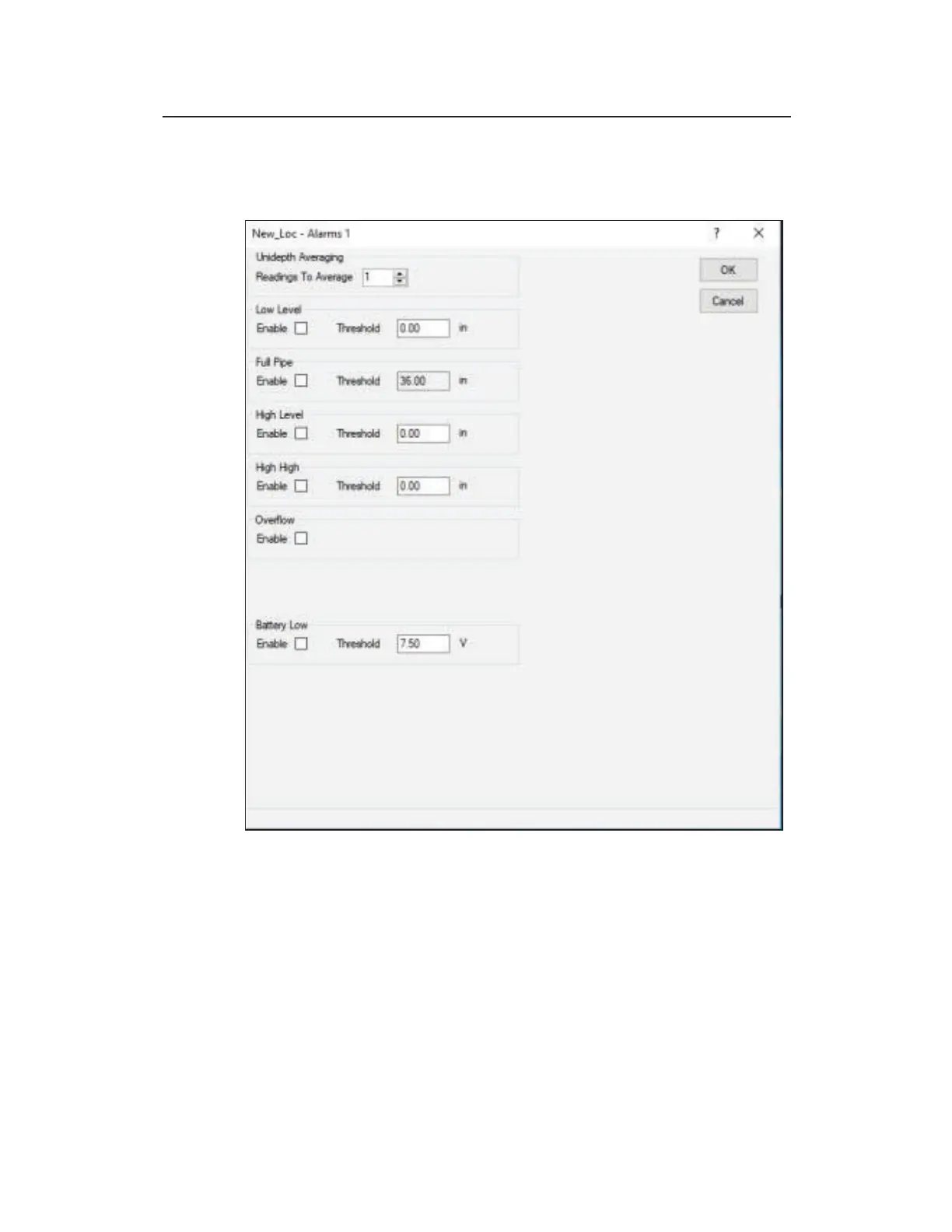
Editing the Alarms Device
This section describes the parameters of the Alarms device.
f
The Alarms device parameters
z Readings to Average Select the number of consecutive Unidepth
readings you want the monitor to average to minimize the impact of
erroneous readings on the data.
z Enable Select the checkbox corresponding to any alarm which should
be configured in the monitor.
z Low Level Define the depth at which the monitor will trigger a Low
Level alarm to indicate that the flow depth (at the location) has fallen
below a predefined threshold. ADS recommends entering a Low Level



 To Next Page