Configuration and Activation 4-61
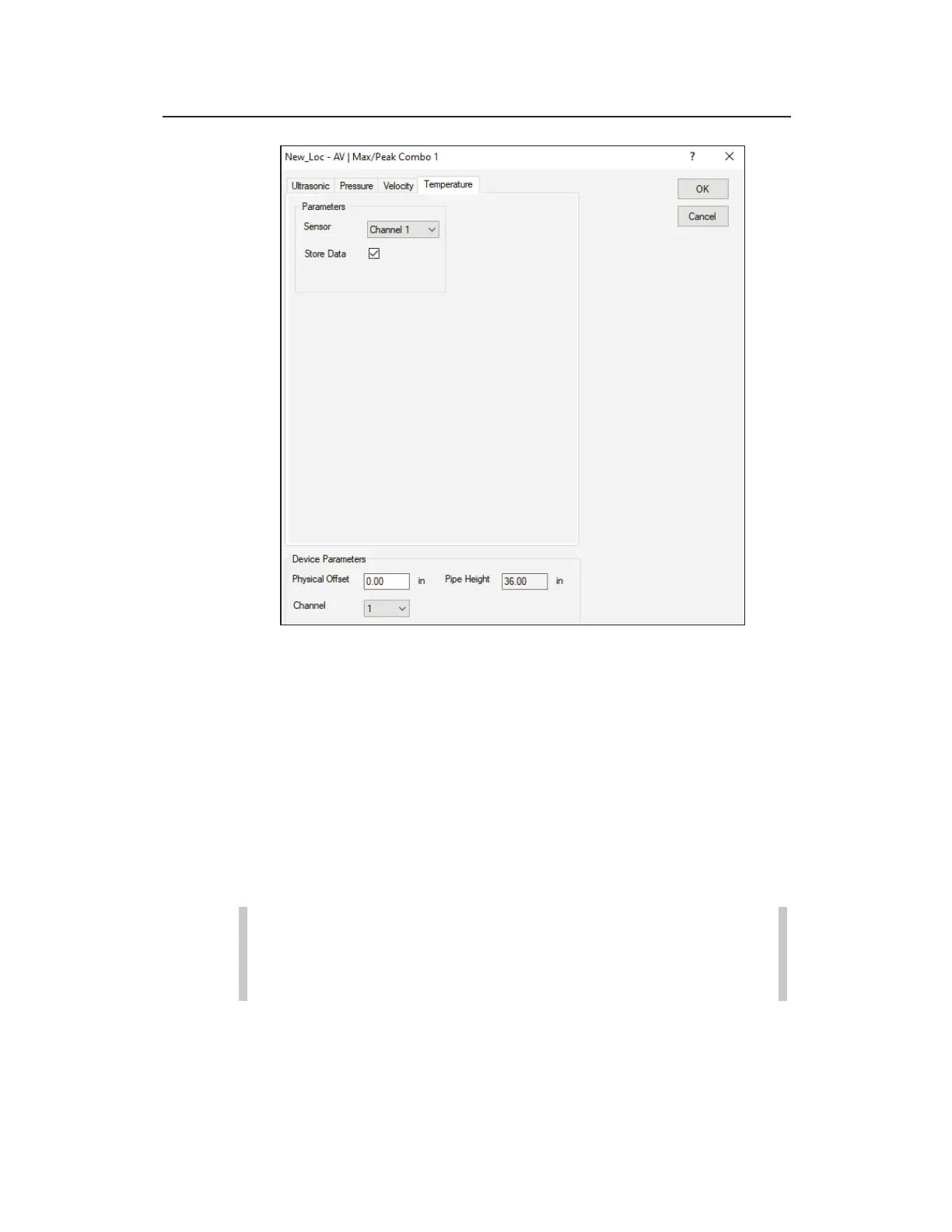
Edit AV|Max/Peak Combo 1 Parameters dialog displaying the
Temperature tab
Edit the following parameters corresponding to the temperature
sensor in the AV|Max or Peak Combo Sensor:
z Sensor Select the source from which to measure the
temperature used when compensating for temperature in
AV|Max or Peak Combo Sensor readings. The channels
correspond to the sensors connected to those channels (ports)
on the monitor. The option selected here should be consistent
with the option selected for the Channel in the Device
Parameters section at the bottom of the dialog.
Note: The stored temperature value is the actual water
temperature reading from the AV|Max or Peak Combo
Sensor.
z Store Data Select this checkbox to ensure the monitor logs
the temperature data to memory. This option is selected by
default.



 To Next Page