4-62 ADS TRITON+
®
Manual
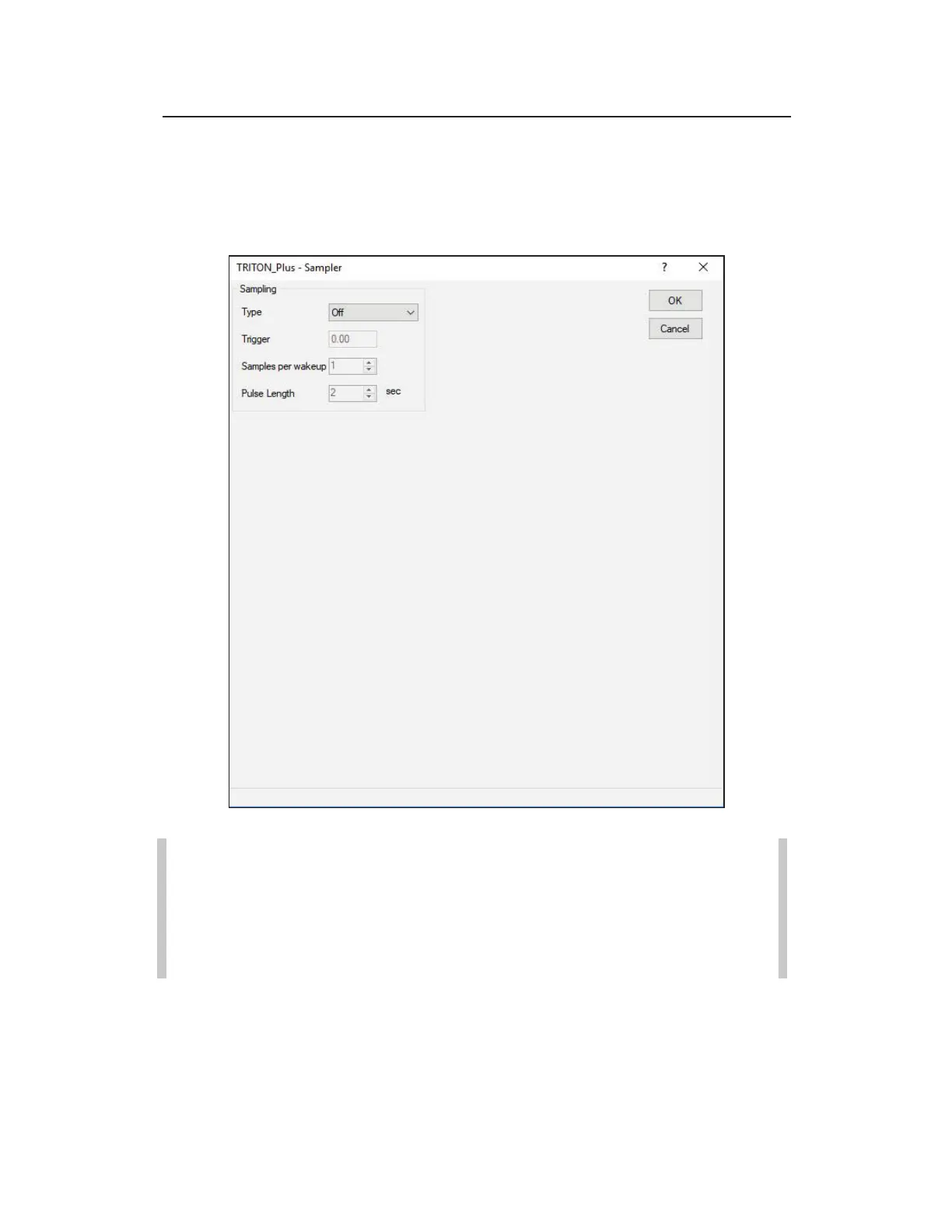
Editing the Sampler Device
Use the following information when you want to edit the parameters for
water quality sampling activities associated with a TRITON+.
Edit the Sampler device
Note: When performing water quality sampling using externally
powered TRITON+ monitors, you must configure one of the analog
output devices on the XIO device dialog with the appropriate entity
for the sampling application through Qstart
XML
and connect the XIO
directly to the sampler.
z Type Select the triggering method you want to use to initiate
sampling operations from Depth, Flow Rate, or Flow
Total. Trigger values are based on readings returned from the
selected sensors in the Depth and Velocity fields on the main



 To Next Page