Configuration and Activation 4-81
The pressure sensor measures the height of the water above the
sensor (mounted at the crown of the pipe) under surcharge
conditions where the flow has completely filled the pipe and is
rising in the manhole.
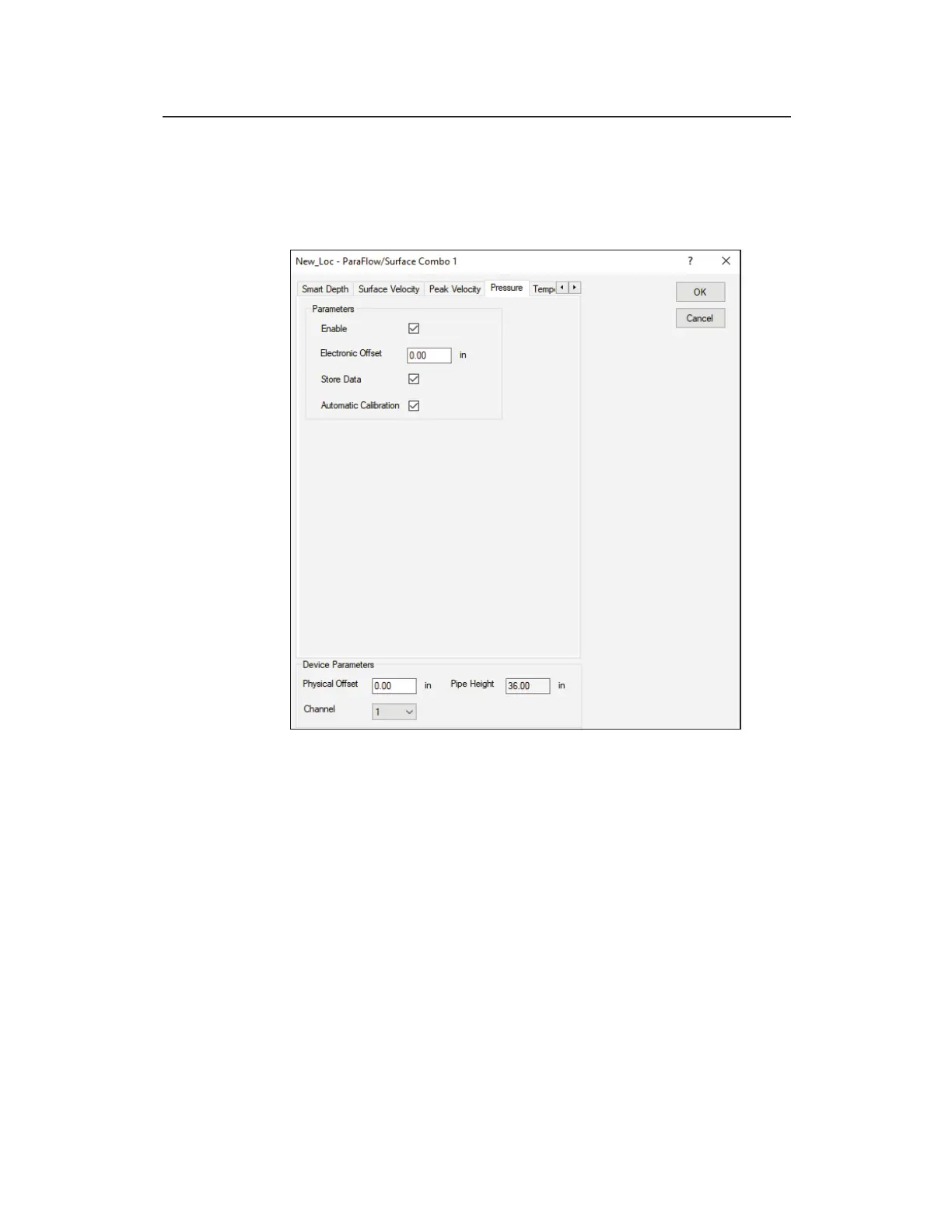
Edit ParaFlow/Surface Combo 1 dialog displaying the Pressure
tab
Edit the following parameters corresponding to the pressure depth
sensor in the ParaFlow or Surface Combo Sensor:
z Enable Select this checkbox to ensure the monitor begins
taking pressure depth readings at the designated interval once
activated. This option is selected by default.
z Electronic Offset Enter the difference that exists between
the pressure depth readings and the value equal to the pipe
height minus the physical offset of the ParaFlow or Surface
Combo Sensor. However, ADS recommends leaving this value
at zero.



 To Next Page