4-94 ADS TRITON+
®
Manual
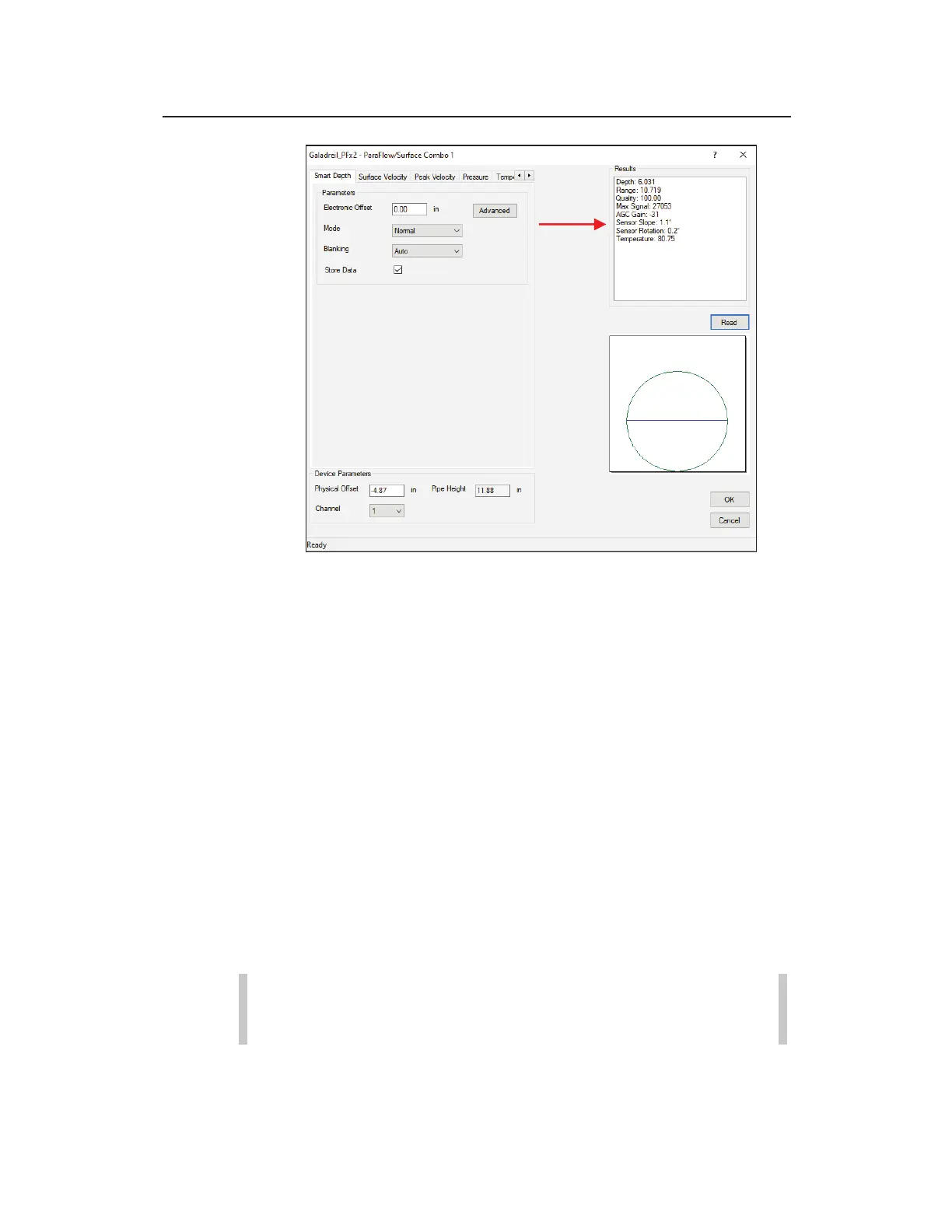
Review the ParaDepth or ParaFlow Sensor Slope and Sensor
Rotation values
8. Verify the accuracy, consistency, and quality of the readings,
and then edit the corresponding device parameters as
necessary.
9. (optional) Repeat steps 3 through 10 for every other sensor on
the device dialog on which you want to run diagnostics.
10. Click on the OK button once you are finished running
diagnostics for all the appropriate sensors corresponding to the
current device. This saves any changes made to the parameters
to the local directory or network. Clicking on the Cancel
button closes the device dialog without saving any parameter
modifications.
11. If any changes have been made to any of the device
parameters, you must reactivate the monitor by clicking on the
Activate button in the Functions section.
Note: There is no need to reactivate a monitor if there
were no parameter changes!



 To Next Page