5-56 ADS TRITON+ Manual
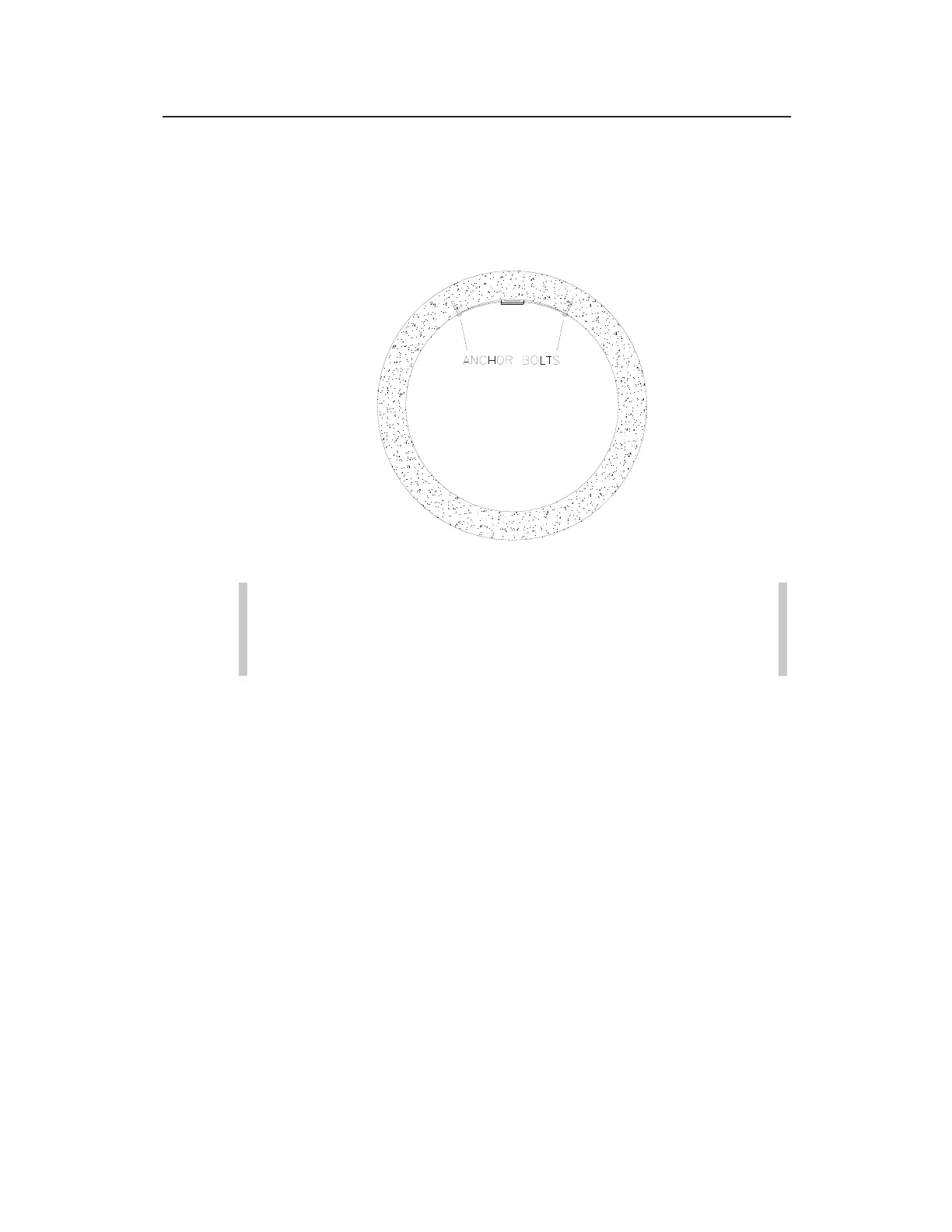
8. Spot drill to mark an anchor bolt location, and mount another
¼-inch x 2 ¼-inch (M6 x 55-mm) anchor bolt to the pipe.
9. Hand-tighten a nut with washer to secure the other end of the
band.
Securing the other end of the band
Note: If the mounting plate has too much side play,
attach another anchor bolt approximately 1 inch (22 mm)
from the plate.
10. Slide the sensor mounting plate along the metal band until it is
level (from side to side) with the flow surface and pipe crown,
and tighten the nuts securely with a nut driver. For more
information, refer to the instructions on leveling this sensor in
Installing the Ring in the Pipe beginning on page 5-28.
11. Install the ParaDepth/ParaFlow/Surface Combo /Ultrasonic
Depth sensor onto the mounting plate by inserting the studs on
the back of the sensor into the keyholes on the mounting plate
and sliding the sensor back (in a downstream direction) until it
is fully in place. The sensor cable should exit the downstream
edge of the band.



 To Next Page