11-6 ADS TRITON+ Manual
numbers/characters which, once initialized, display in a sequence
and represent current processes, identification, status, or readings
associated with the system and communications. The following
sections contain general descriptions and interpretations of the
diagnostic information available through the LED and instructions
for accessing information or prompting a message.
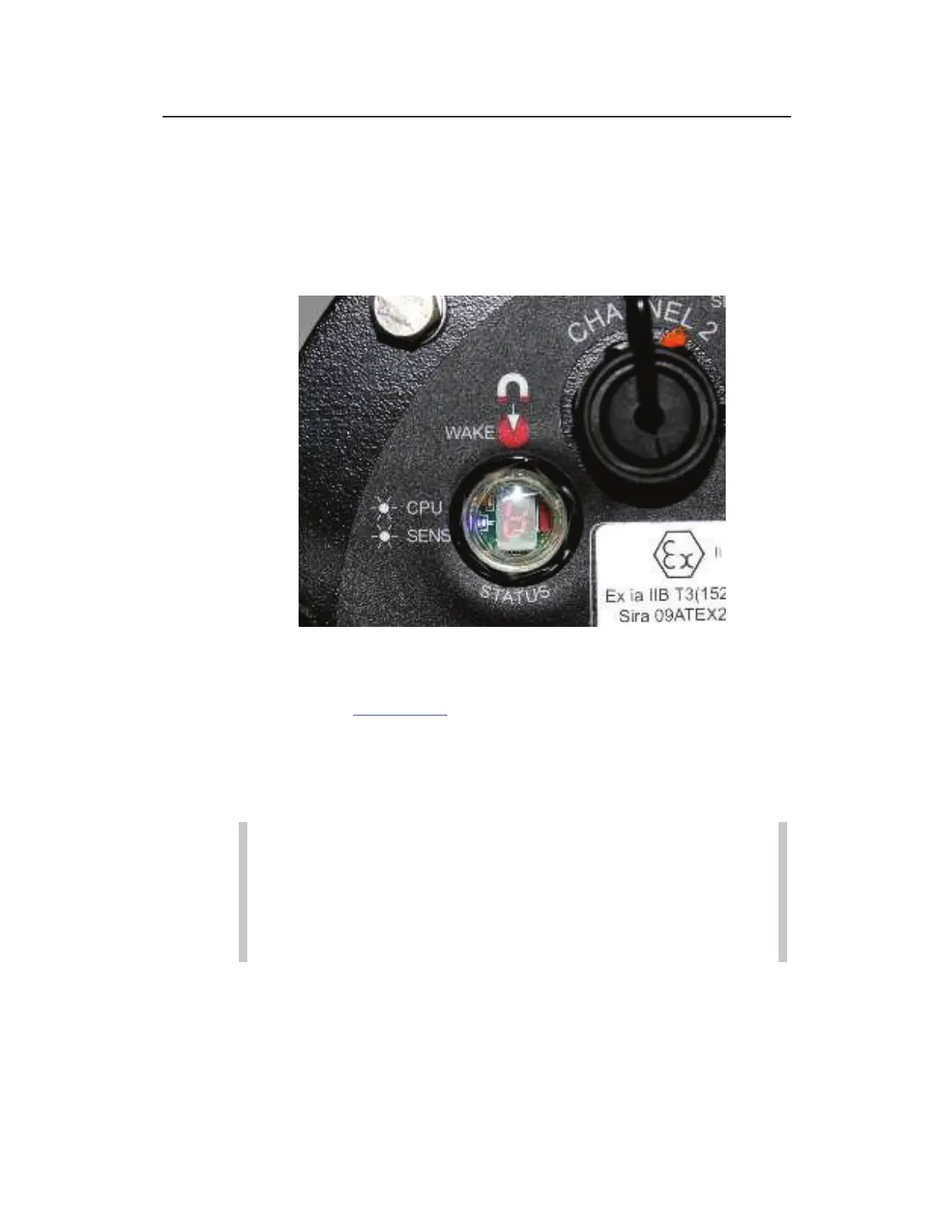
LED STATUS Window on Monitor Top
Each character displayed in the LED represents a specific activity.
(Refer also to Appendix C for a list of these characters and the
activities to which they correspond.)
The presence of a yellow light at the upper left portion of the LED
display indicates the monitor is awake or involved in active
communication.
Note: Initiating the diagnostic code sequence using the
magnet also wakes up and resets the modem in the
monitor. When communication issues arise, the monitor
often will resume wireless communications after the
diagnostic codes are activated.



 To Next Page