Maintenance and Troubleshooting 11-7
Initiating and Reading the LED Diagnostic
Codes
Once the LED code sequence is initiated, codes display in the LED
window. Performing this process requires using a small magnet
(ADS p/n 8000-0460).
Note: ADS does not recommend initiating the diagnostic
code sequence while codes representing monitor activity
are displaying in the window. Therefore, verify that the
LED window is blank and in clear view before attempting
to initiate the code sequence.
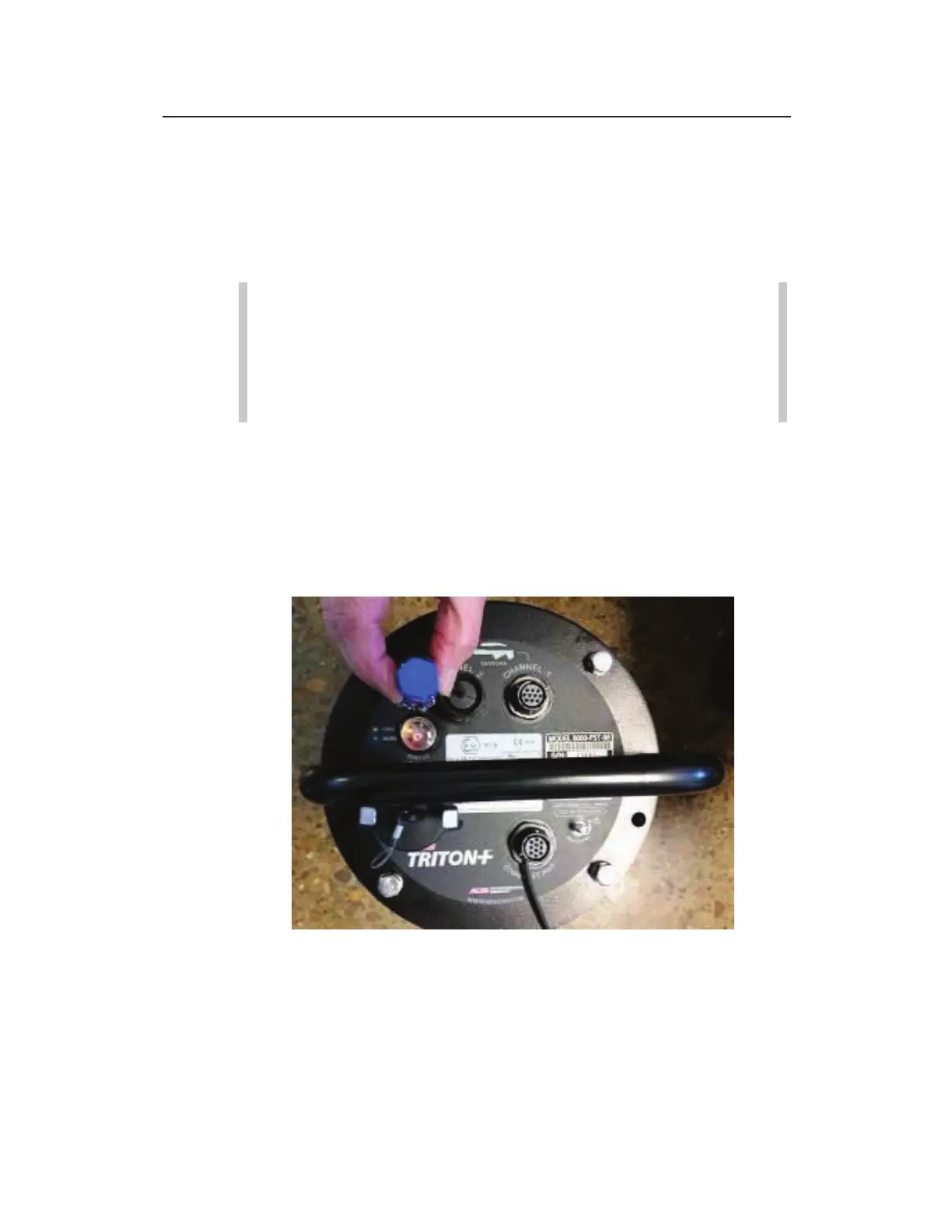
Perform the following steps to initiate the LED diagnostic codes:
1. Hold the ADS magnet against the red dot located next to the
WAKE label for several seconds.
2. Move the magnet away from the monitor once the flashing A
displays in the LED window. (The sequence cannot begin until
the magnet is removed.)
Proper Location for Magnet on Monitor Top



 To Next Page