Maintenance and Troubleshooting 11-9
z is followed by the wireless communication raw
signal strength (ranging from 0 to 31), then , followed by
the signal strength in decibels (ranging from -51 to -113 dBs;
99 indicates that no signal is available)
z is followed by the monitor’s network IP address
z is followed by the network type (e.g., EGPRS,
WCDMA, or HSPA)
Testing the Monitor Cryout Capability
You can test the monitor’s ability to perform a cryout, representing
a system event or alarm, to an ADS hosted software system (when
applicable) by holding the magnet against the red dot (labeled
WAKE) adjacent to the LED window on the monitor top for more
than 5 seconds and then releasing the magnet from the top. The
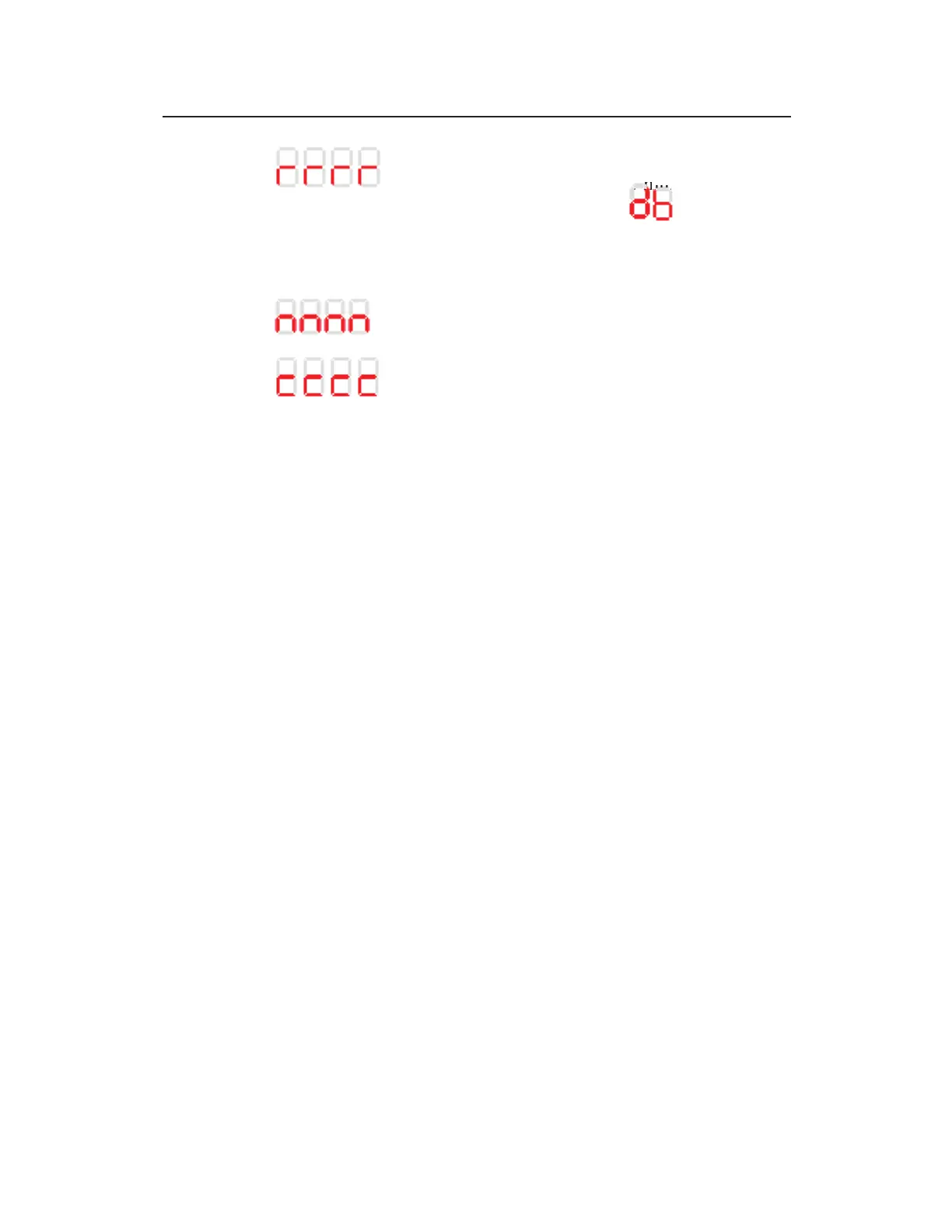
sequence Cryout indicates initiation of the cryout test message to
the address configured in the monitor through Qstart
XML
.
Checking the Monitor Battery Voltage
Check the battery voltage through the diagnostic codes (initiated on
the monitor LED STATUS window using the blue magnet) or in
Qstart
XML
before installing the monitor and after collecting data.
The projected life for the internal monitor battery pack is 15 months
at a 15-minute sample rate for the 12-volt battery pack. Actual
battery life will vary based on the number of sensors and active
functions providing data. However, replace the battery pack as
soon as possible whenever the internal voltage for the 12-volt pack
is 7.5 volts or less, or if Qstart
XML
provides a Low battery status.
Although the monitor may function adequately at 7.5 volts,
communications with the monitor will quickly begin to degrade and
become inconsistent once the battery voltage drops below 7.2 volts.



 To Next Page