Maintenance and Troubleshooting 11-11
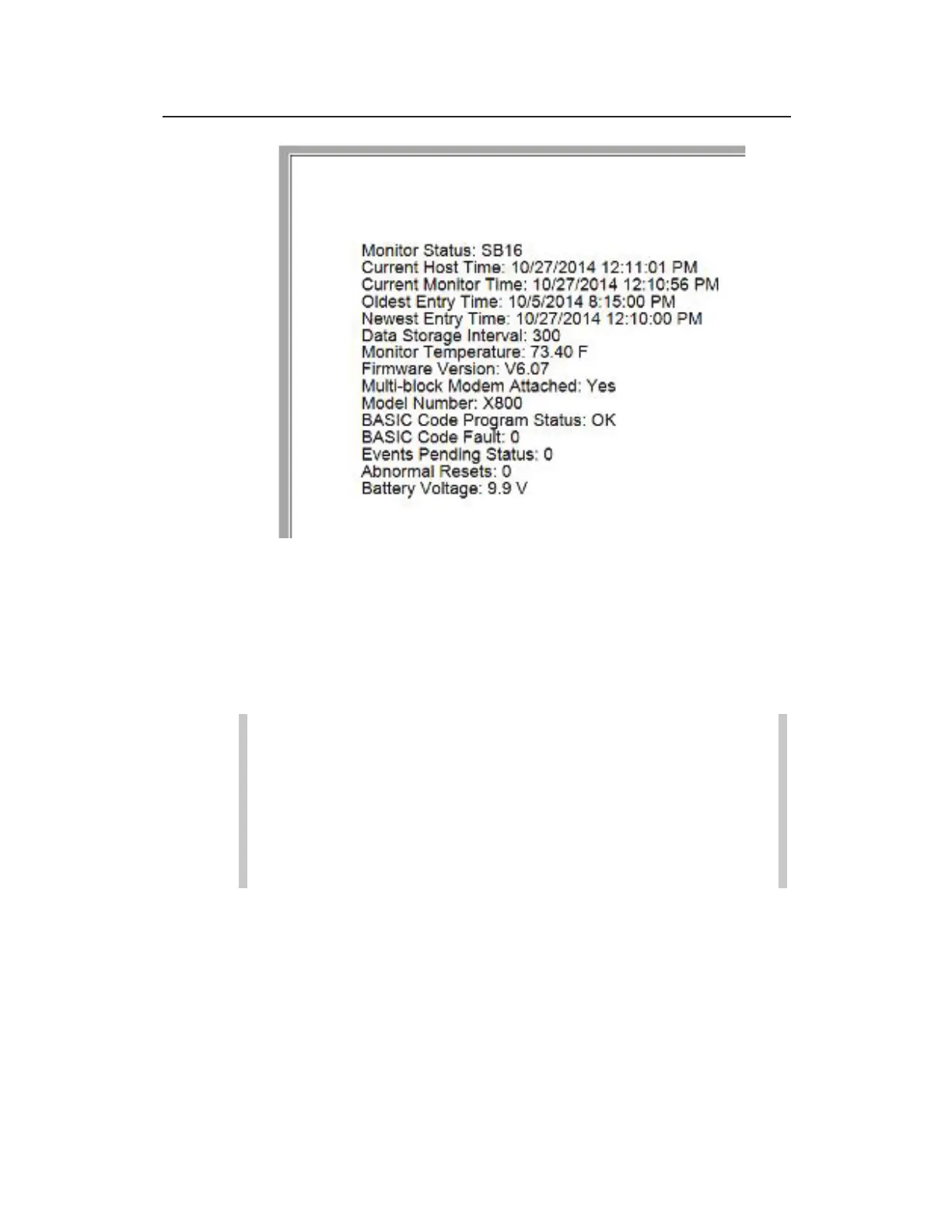
Monitor Status report with internal battery pack voltage
4. Close the Monitor Status window and then click on the green
Hangup button in the Functions section to discontinue
communication with the monitor.
Replacing the Monitor Battery Pack
Note: The only service or maintenance activities ADS
permits within the monitor chassis are battery pack, battery
PCB, regulator/modem unit, SIM card replacement (as
applicable) and fuse replacement. Therefore, do not
handle, alter, modify, remove, or replace any other
components inside the monitor. Such actions will void the
monitor warranty agreement and the IS certification.



 To Next Page