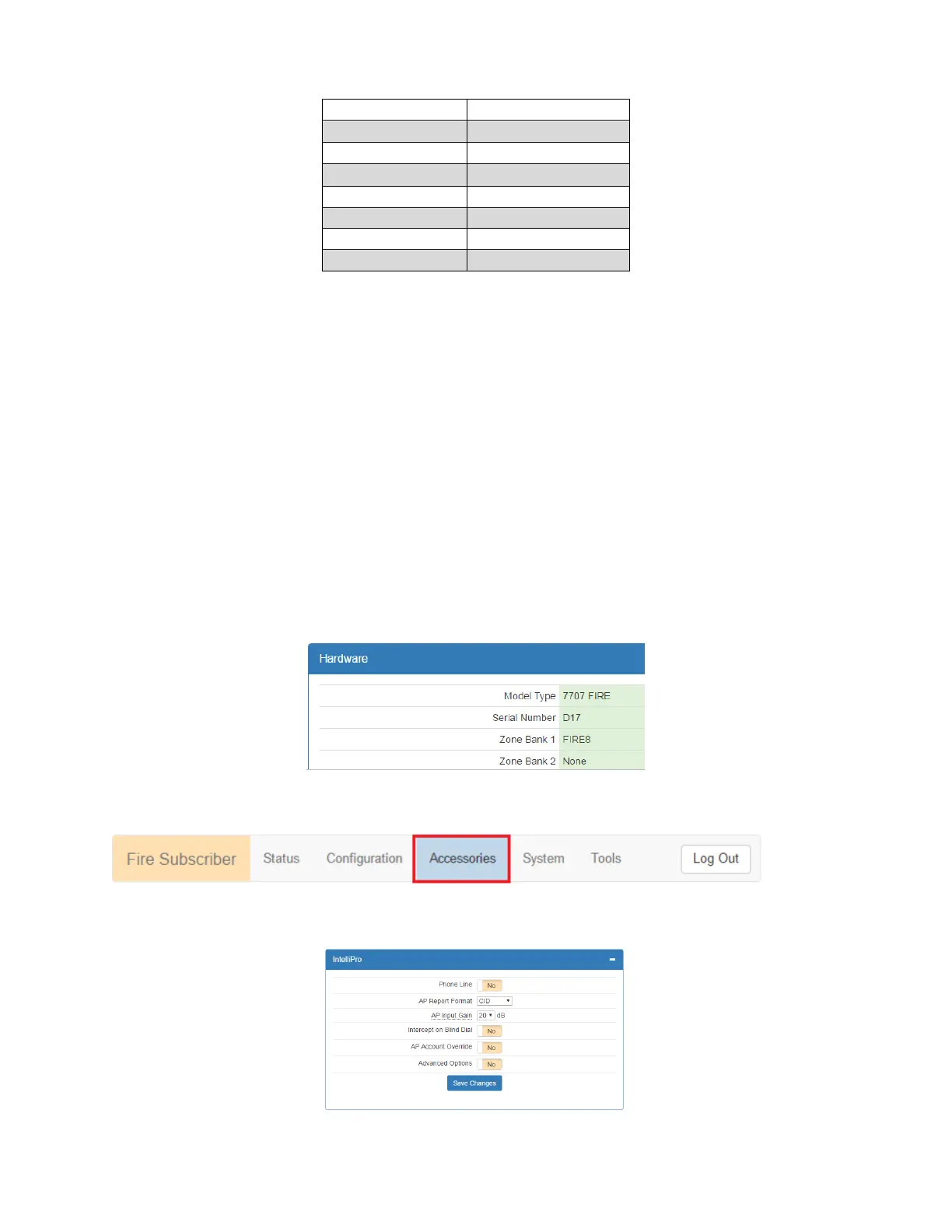
Subscriber IP Address Information
To set Subscriber IP Address
1. Scroll to the Configuration tab.
2. Select the Advanced Configuration panel and configure the settings:
Subscriber IP Address type: Select STATIC or DHCP
If STATIC address is selected, enter the following information:
IP Address – The IP address of the subscriber
Subnet Mask
Gateway
DNS Server 1 (Optional)
DNS Server 2 (Optional)
8.12 Zone Input Configuration
Zone input cards and Model 7794A IntelliPro are configured under the Accessories tab in the browser.
You can verify that a zone input card for 7794A IntelliPro is installed by selecting the Status tab and checking the
Hardware panel. In this example, a single 8 zone input card is installed in the first zone bank (Zone Bank 0) and
nothing installed in the second zone bank:
To configure zone input cards for the 7794A IntelliPro:
1. Select the Accessories tab shown in red below:
A Bank Zone panel will appear when the Model 7707 has a zone input card installed.
If a 7794A IntelliPro is installed, the IntelliPro panel will appear as shown below:


 To Next Page