AES 7707 RF Subscriber 36
Part No. 40-7707 Rev. 3a 10/23/2017
Press the MENU button to return to the home screen, which is the System Status Display.
8.16 Off-Normal Operation
Faults and alarms that cause off-normal operation are shown with fault messages in the LCD display. See table
below for more information.
Fault Display
Faults are shown on the LCD display on the enclosure. The following behavior occurs depending on whether single
or multiple fault conditions exist.
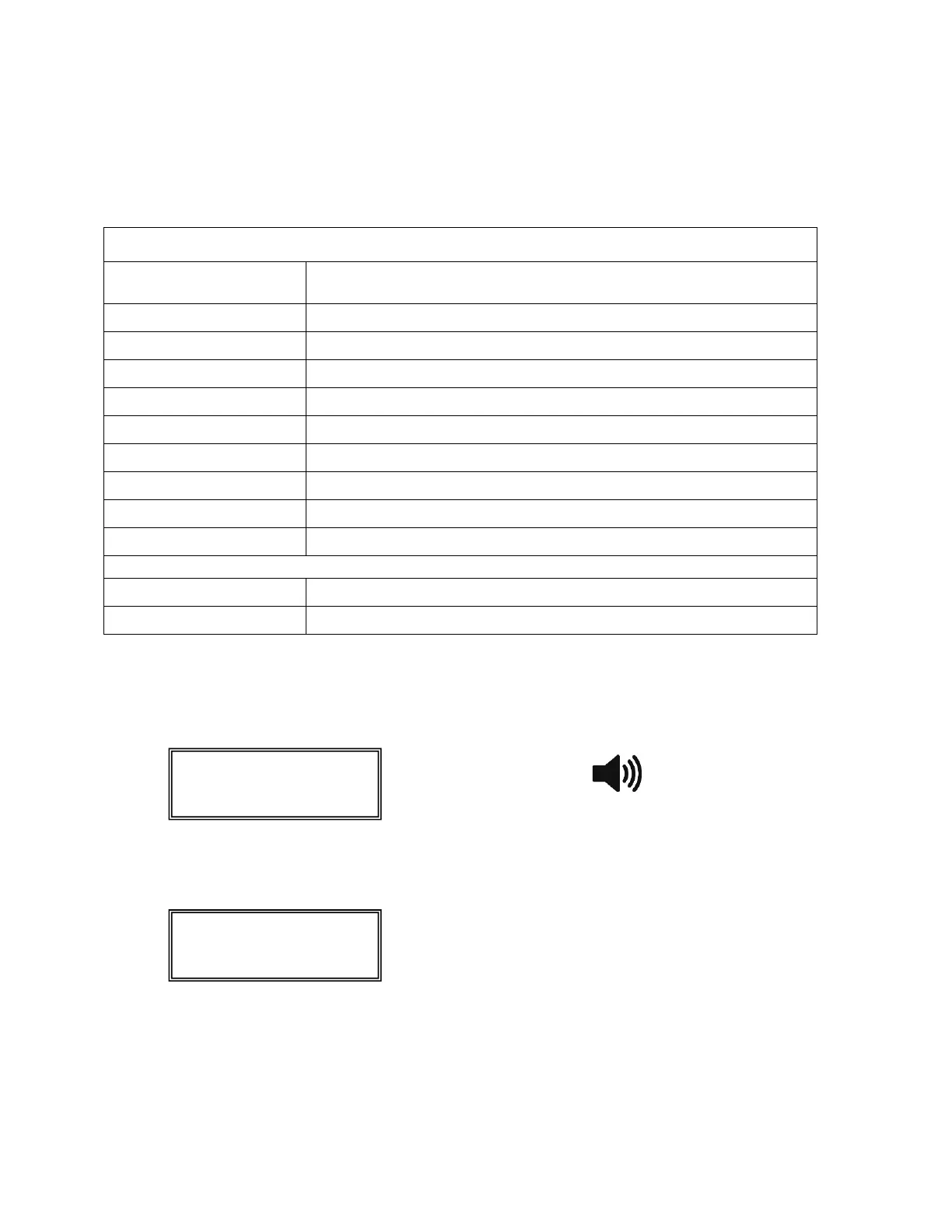
Single fault – A single fault condition is shown on the display, and the Subscriber buzzer sounds as shown
below:
When the single fault condition clears, the cleared fault message no longer displays and the buzzer stops
sounding.
Buzzer Silence – Press the MENU button and hold down for at least 5 seconds. The status display will show
the following, and the buzzer will be silenced.
Multiple faults – Multiple faults are shown in the LCD display one fault at a time for approximately 2
seconds each. Faults appear in sequential order, and the Subscriber buzzer sounds as shown below:
Buzzer Silence – Press the MENU button and hold down for at least 5 seconds.
8.17 Disable On Board Buzzer
The front panel buzzer can be disabled through the configuration interface if a remote annunciator is used. To
disable the onboard buzzer in the Subscriber:
1. Select the System tab.
2. Under the Buzzer panel, set the On Board Buzzer switch from Enabled to Disabled to silence the buzzer.


 To Next Page