AES 7707 RF Subscriber 33
Part No. 40-7707 Rev. 3a 10/23/2017
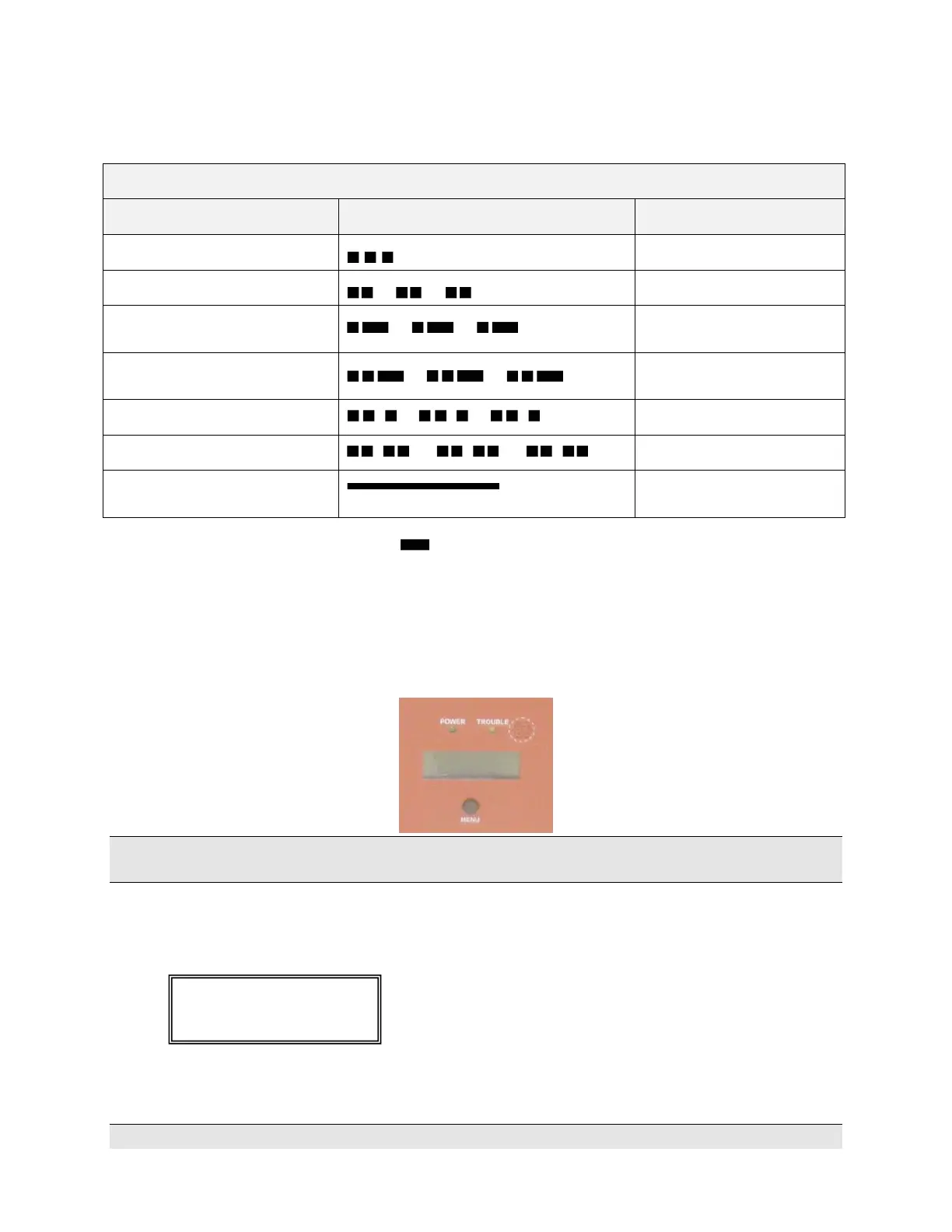
ALM LED Blink Pattern Chart
The chart below shows blink patterns utilized by the ALM LED, as well as possible meanings:
Symbols as follows: "" = short blink, " " = long blink
The period between patterns is about 1 second (the chart shows each pattern repeating three times).
8.15 LCD Front Panel Display System Messages
Display Operation
The 7707 subscriber uses a combination LCD display and a MENU pushbutton switch to navigate through the
system message screens.
Note: Pressing and releasing the MENU button allows you to advance in a loop through the display screens until
returning the System Status display screen.
System Status Display and 7707 Version Number
When the Model 7707 is operating normally, the Normal System Status screen is shown in the LCD. The model
number, software version number, and status message are displayed as shown below:
Press the MENU button on the front of the enclosure once to advance to the Unit ID and Serial Number status
display.
Note: Pressing and releasing the MENU button allows you to advance in a loop through the display screens until


 To Next Page