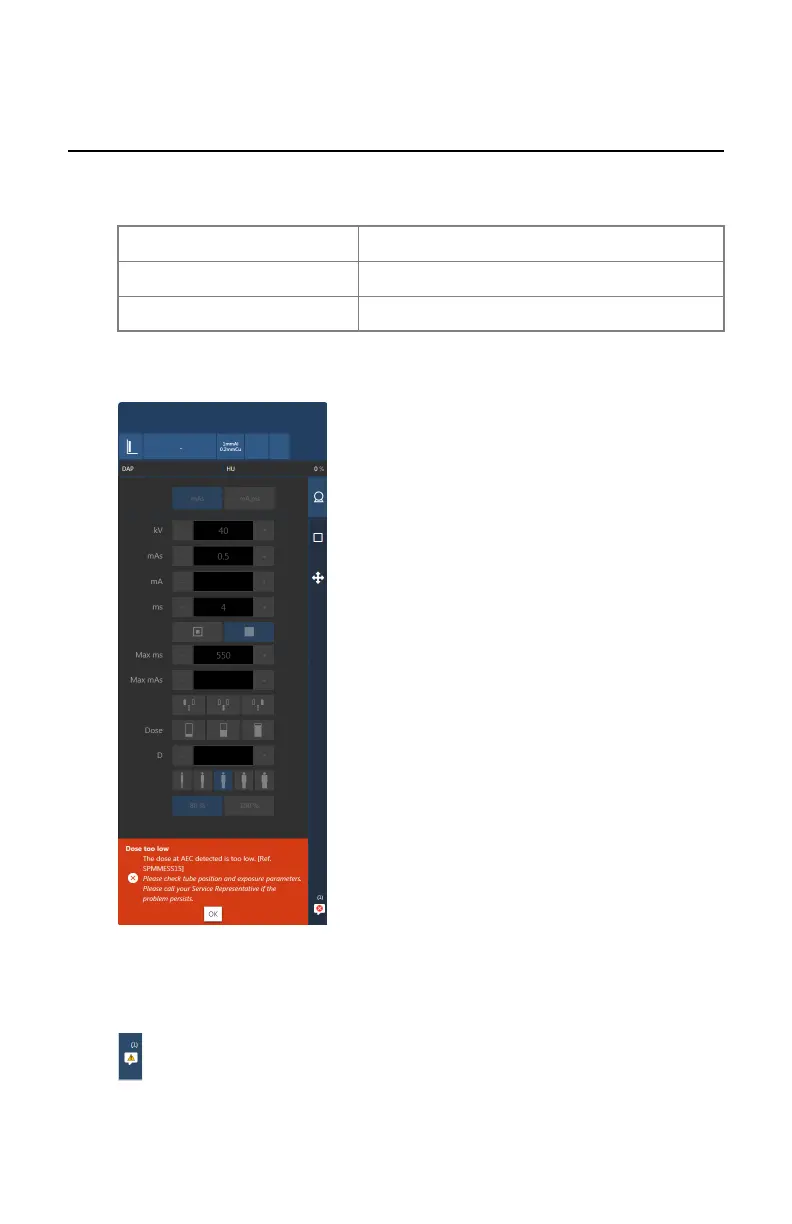
System messages screen
System messages are displayed at the bottom of the software console.
The color of the message indicates the importance:
Blue Information
Yellow Warning
Orange Error
Messages that require feedback from the user contain a button that can be
pressed.
Figure 50: Error message requiring user feedback
More than one message can be active. The number of active messages and the
type of messages is indicated on the navigation button.
Figure 51: Icon indicating that messages are waiting
Valory (system with floor mounted column) | Software Console | 123
0426A EN 20220804 1858



 To Next Page