Emergency stop button
If a system malfunction causes an emergency situation involving the patient,
operating personnel or any system component, activate the emergency stop
button.
Multiple emergency stop buttons are available on the system.
• On the front side of the radiographic table (right)
• On the top side of the X-ray tube head unit
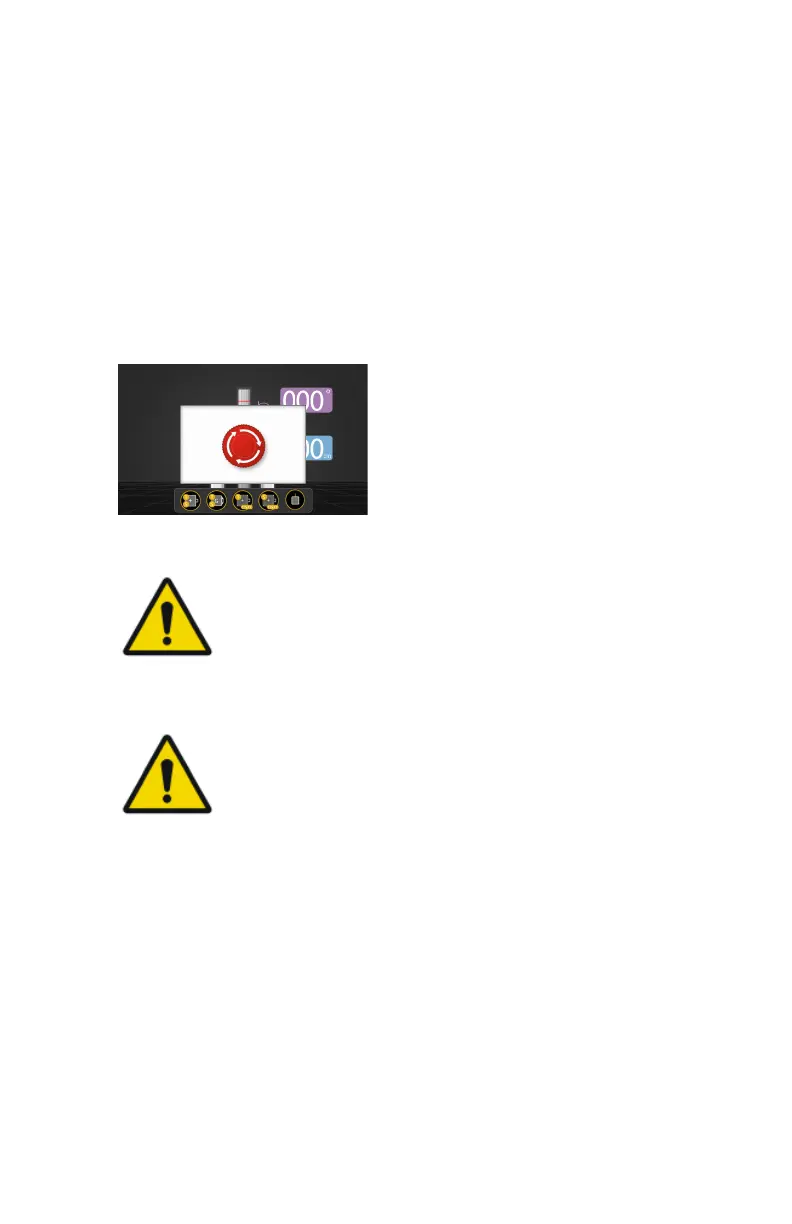
All motor driven movements will be stopped. (Radiographic table)
A message is shown on the tube head display.
Figure 18: Message on the tube head display
CAUTION:
The emergency stop button does not switch off the voltage in
the X-ray system.
To allow motorized movements again, turn the cap of the emergency stop
button in clockwise direction (default position).
WARNING:
When turning the switch clockwise to recover the equipment
from the emergency stop status, pay attention to make sure that
the equipment is not moving abnormally. If the system moves
abnormally again, stop the system immediately using the
emergency stop button.
Valory (system with floor mounted column) | Introduction | 29
0426A EN 20220804 1858



 To Next Page