A
L
B
E
D
O
T
e
l
e
c
o
m
-
J
o
a
n
d
’
À
u
s
t
r
i
a
,
1
1
2
-
B
a
r
c
e
l
o
n
a
-
0
8
0
1
8
-
w
w
w
.
a
l
b
e
d
o
t
e
l
e
c
o
m
.
c
o
m
User Guide
124
by any lower priority filters. In other words, traffic is processed by at most one matching
filter, the one with the highest precedence.
A filter admits three different configurations:
• Block: The filter blocks all the incoming traffic. No frame can match the filter. It can
be considered that the filter remains disabled if it is configured to the block status.
• Custom: The filter accepts user defined matching rules like matching an specific
VLAN, a group of source IP addresses and many others.
• Match port A / Match port B: Matches the traffic configured in the corresponding
flow from the traffic generator (Filter A1 matches Flow A1, Filter A2 matches Flow
A2, etc.). The Match port A mode is available for Port B only, while the Match port
B is available for Port A only.
• Match port A (loop) / Match port B (loop): Matches the traffic configured in the cor-
responding flow from the traffic generator (Filter A1 matches Flow A1, Filter A2
matches Flow A2, etc.). If this filtering mode is configured, the port expects that
MAC addresses, IP addresses and UDP ports will be reversed when compared
with the generator settings. For example, Port A looks for the IP address config-
ured as a source in the IP destination address field of incoming traffic.The Match
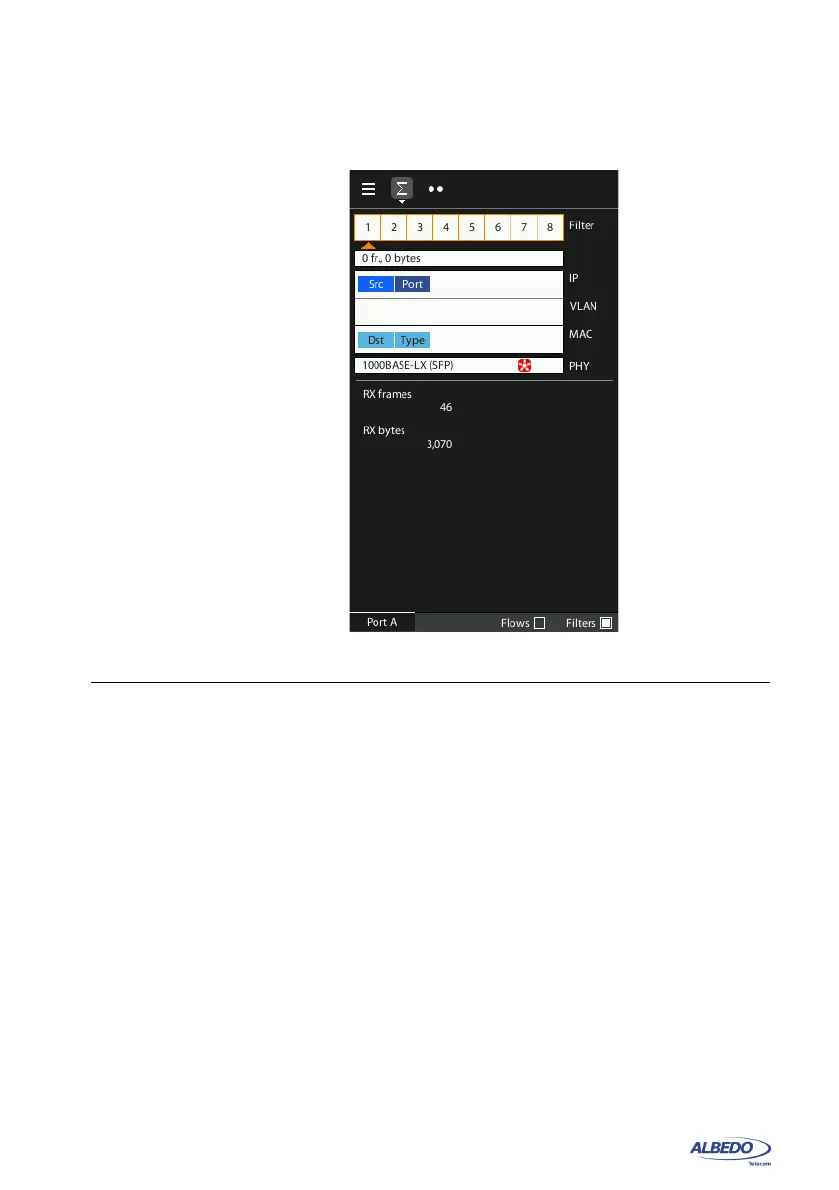
Figure 6.1: Filter summary panel. Filter status can be checked from this panel.



 To Next Page