A
L
B
E
D
O
T
e
l
e
c
o
m
-
J
o
a
n
d
’
À
u
s
t
r
i
a
,
1
1
2
-
B
a
r
c
e
l
o
n
a
-
0
8
0
1
8
-
w
w
w
.
a
l
b
e
d
o
t
e
l
e
c
o
m
.
c
o
m
User Guide
56
In case a fault is found in some pair (Open, Short), some results may not be available
for the corresponding MDI. If no fault is found then the Distance (m) field is empty. The
Skew (ns.) test result is displayed only in 1000BASE-T interfaces.
3.1.3. Running the Test
Once the tester has been connected to the network in any of the supported test
configurations. It is required to configure and run the cable test by means the tester
user interface. It is assumed that the Connector setting is configured to Electrical in the
test ports (See section 2.2.1). The test procedure is as follows:
1. From the Home panel, go to CONFIG,
The port setup panel is displayed.
2. Select Mode to enter in the mode selection menu
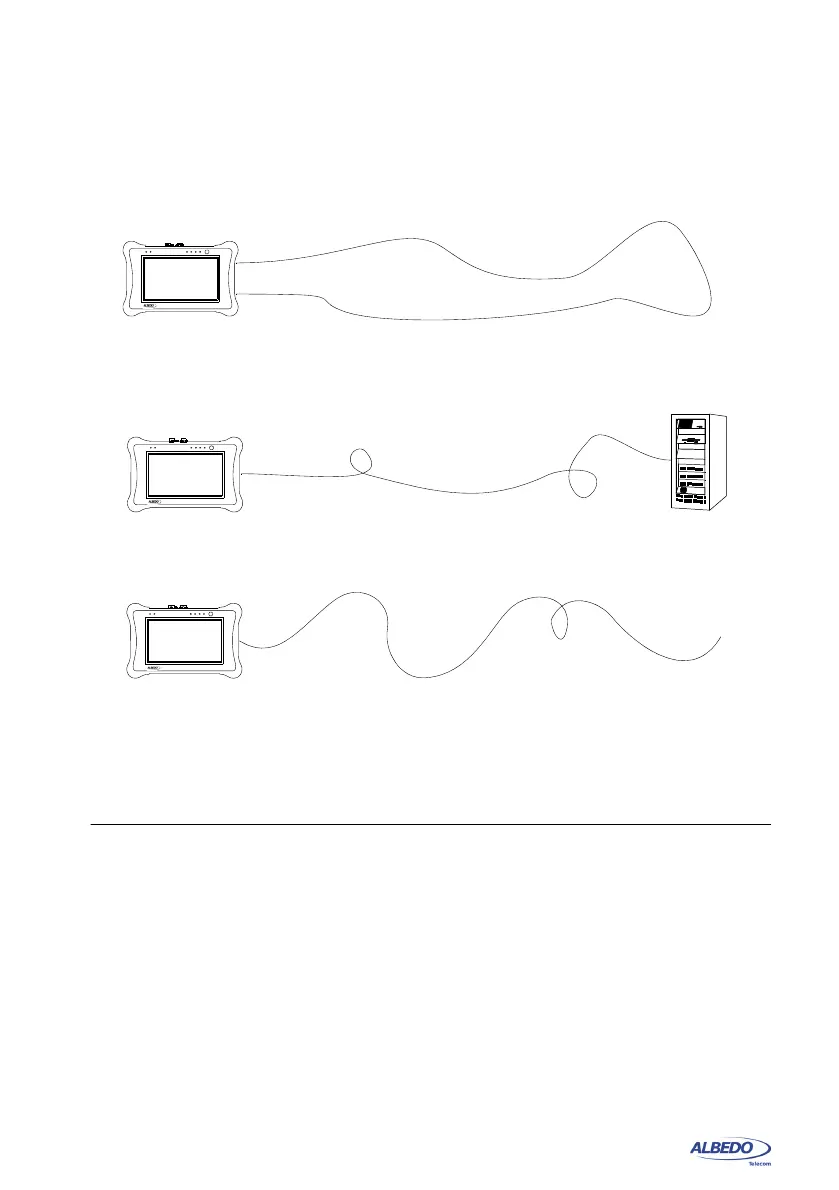
Figure 3.2: Basic connection setup for xGenius tester: (a) Port A - Port B closed loop, (b)
Port A connection with remote link, (c) Port A connection without link.
Tester
Port A
Ethernet
DUT / SUT
(b)
Tester
Port A
DUT / SUT
Port B
(a)
Tester
Port A
DUT / SUT
(c)
xGenius
xGenius
xGenius



 To Next Page