A
L
B
E
D
O
T
e
l
e
c
o
m
-
J
o
a
n
d
’
À
u
s
t
r
i
a
,
1
1
2
-
B
a
r
c
e
l
o
n
a
-
0
8
0
1
8
-
w
w
w
.
a
l
b
e
d
o
t
e
l
e
c
o
m
.
c
o
m
User Guide
150
timestamp B. The latency is the difference between timestamp B and timestamp A,
according to the definition found in RFC 1242.
7.1.3. Frame Loss
The aim of this test is to determine the frame loss ratio through the entire range of input
data rates and frame sizes. The procedure is the following:
1. Send a certain number of frames at a specific rate through the DUT / SUT, count-
ing the frames transmitted and received and computing the frame loss ratio. The
first trial should be run for the frame rate that is 100% of the maximum rate sup-
ported by the interface.
2. Repeat the procedure for the speed that corresponds to the next test bit rate.
3. Continue this sequence (reducing the bit rate in every step) until there are two
consecutive trials where no frames are lost.
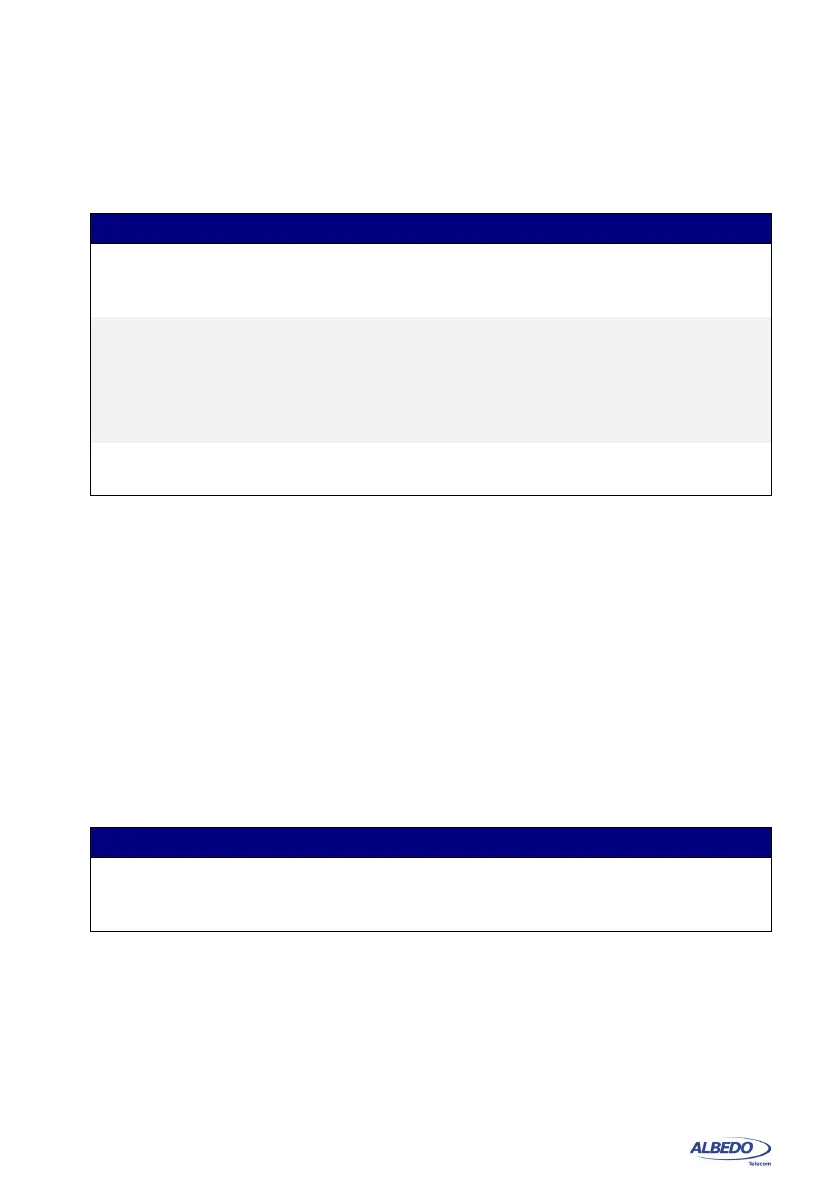
Table 7.2: RFC 2544 Latency Test Settings
Setting Description
Enable Enables or disables the RFC 2544 latency test. The latency
test will not be executed if is not previously enabled by this
control.
Trial duration (s.) This value corresponds with the duration of a single latency
trial test expressed in seconds.
For each frame size, the RFC 2544 algorithm measures the
latency several times. This parameter configures the duration
of each latency measurement
Iterations This parameter corresponds with the number of times the
latency is measured for every frame size.
Table 7.3: RFC 2544 Frame Loss Test Settings
Setting Description
Enable Enables or disables the RFC 2544 frame loss test. The frame
loss test will not be executed if is not previously enabled by
this control.



 To Next Page