Test Management
275
4. Select the file you want to download it to the local computer.
The web browser displays a dialogue that requests your configuration to download
the selected file. If you accept, the file will be downloaded.
11.3.Programming Tests
xGenius is able to start and finish tests without direct user intervention. All automatic
testing features are included within the Autostart/stop menu.
Follow these steps to program an automatic measurement in the test unit.
1. From the Home panel, go to TEST,
The test configuration panel is displayed.
2. Select Autostart/stop to enter in the automatic test programming menu.
3. If you want the automatic test to start at a specific date and time set Start mode to
Auto and enter the start date and time in Start time.
Note: Manual start has precedence over auto-start. That means that if a tester is
started by pressing Run but there is an automatic test programmed the manual
test will start anyway.
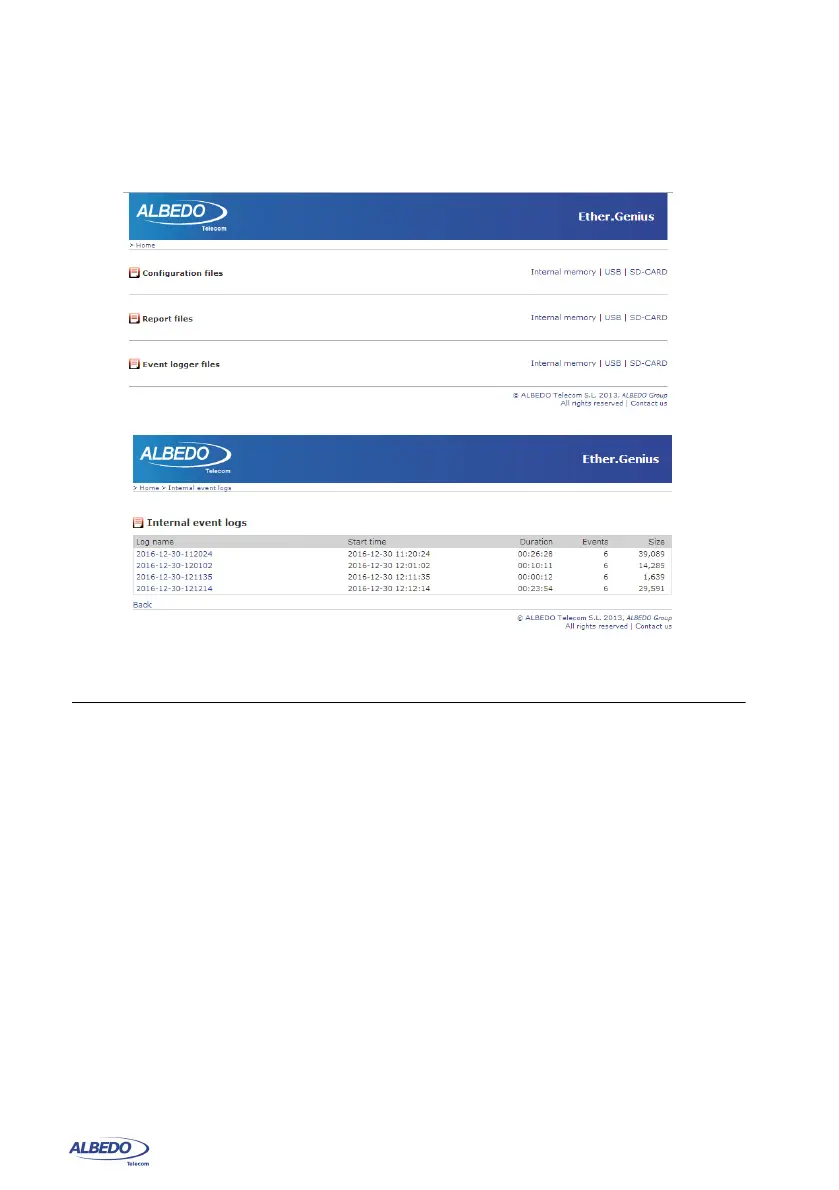
Figure 11.1: xGenius web interface: (a) Home panel (b) Event logger file management
panel.
(a)
(b)



 To Next Page