Traffic Generation
83
deploy advanced traffic engineering tools that provide the operator with tight control
over the path that follows every packet within the network. Both QoS provision and
advanced traffic engineering are difficult, if not impossible to solve in traditional IP
networks.
To sum up, the separation of two planes allows MPLS to combine the best of two
worlds: the flexibility of the IP network to manage big and dynamic topologies
automatically, and the efficiency of connection-oriented networks by using pre-
established paths to route the traffic in order to reduce packet process on each node.
The test unit can be configured to generate and analyse MPLS packets carrying one or
two labels. The configuration procedure is as follows:
1. Make sure that your tester is connected to the network. The physical layer must
be up and working (See section 4.1.1).
2. From the Home panel, go to CONFIG,
The test port settings panel is displayed.
3. Select either Port A or Port B to enter in the port specific configuration.
4. Enter in the MPLS menu.
All settings related with MPLS packet generation configuration are displayed.
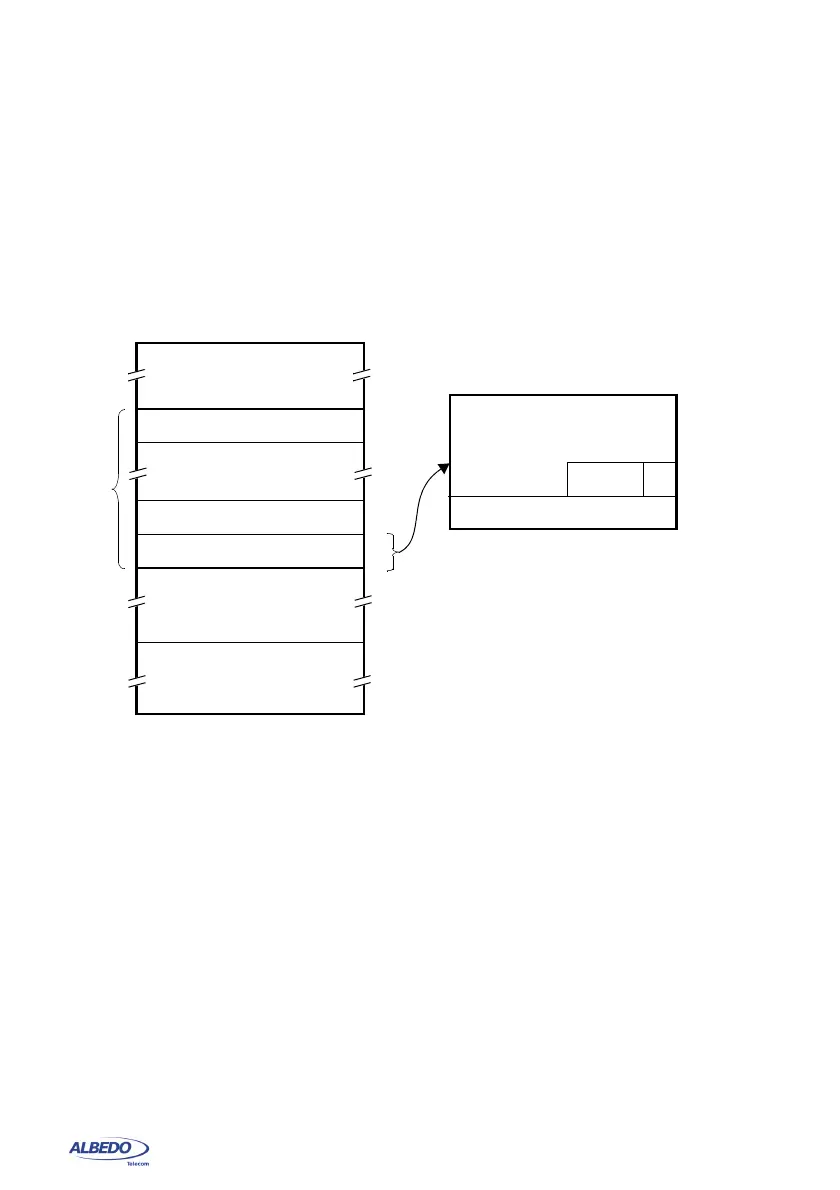
Figure 4.4 MPLS “shim” header format. The label is usually inserted between layer-2 and layer-3 headers.
bits
13 5 7
2
468
Layer 3 header
header k
4
4
4
bytes
MPLS Encapsulation
Label: 20-bit MPLS label
Exp: Experimental use, usually transports CoS bits
S: Bottom of stack
header 1
header 2
MPLS
label stack
(commonly IP header)
Layer 2 header
bits
13 5 7
2
468
MPLS “shim” header (RFC 3032)
bytes
1
1
1
1
Label
Exp
S
TTL
TTL: Time to live



 To Next Page