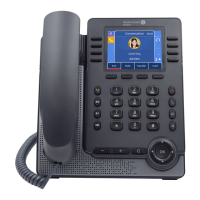
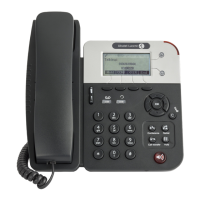
Figure 2.19: Telephone Area Example (the Called Set 13013 is in Forward on No Answer)
The following softkeys are available:
Release To release both the forwarding destination set and the forwarded set
Follow fwd Pressing the Follow fwd softkey displays the following screen, see:
figure: Telephone Area Example (the Called Set 13013 is Forwarded
on No Answer on Set 13010)
Call back To send a call-back request to the forwarded set
Figure 2.20: Telephone Area Example (the Called Set 13013 is Forwarded on No Answer on
Set 13010)
The following softkeys are available:
Ring To activate ringing on the forwarding destination set
Release To release both the forwarding destination set and the forwarded set
Overide To activate the Privileged access override feature so that the for-
warding destination set can be called
Call back To send a call-back request to the forwarding destination set
Voice mail To deposit a voice message on the voice mail of the forwarding des-
tination set
2.3.4.4.3 The Set is Forwarded on Busy
Chapter
2
#$ %!#
2-12
! "













 To Next Page
