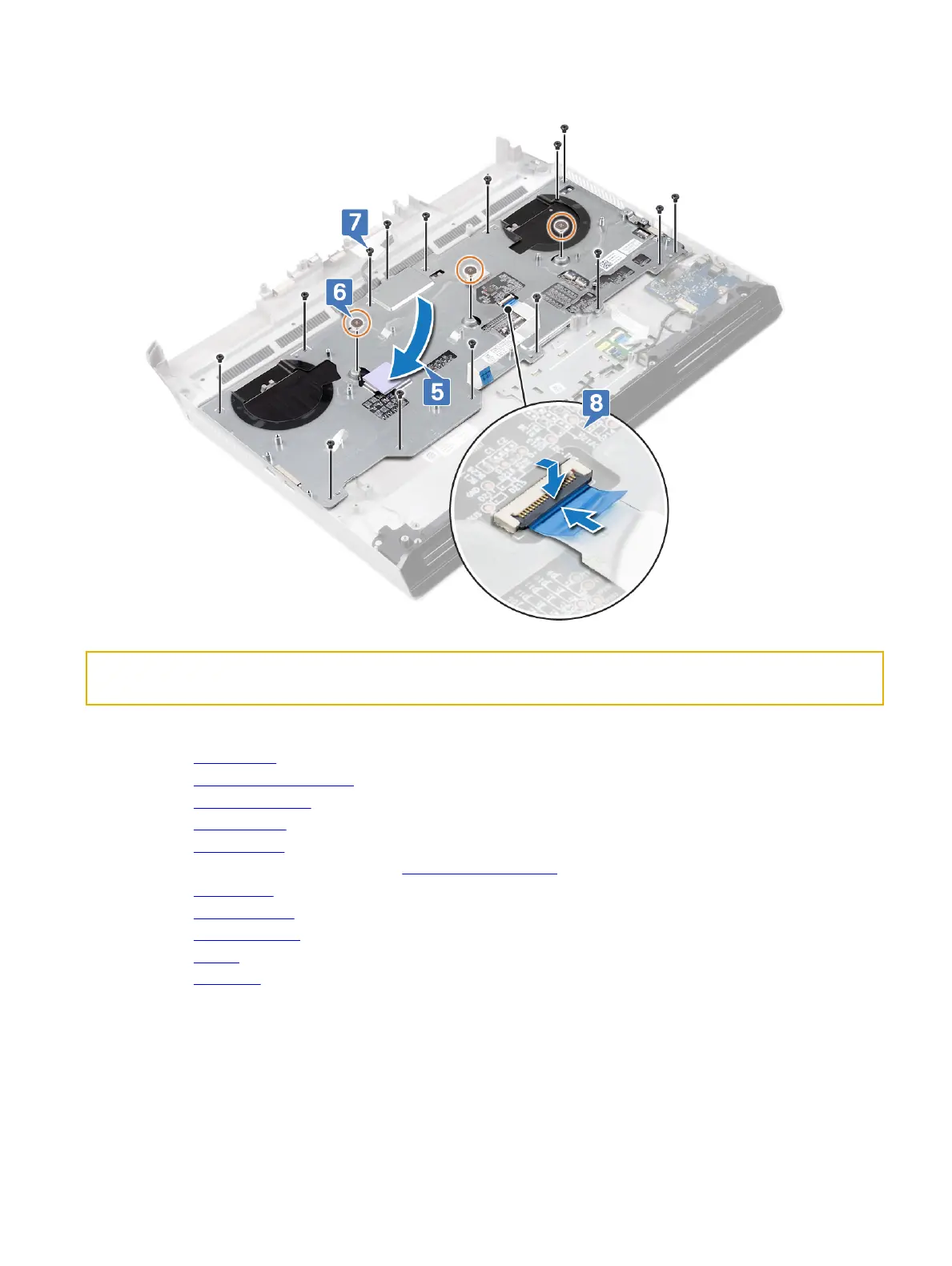
8 Connect the keyboard cable to the keyboard and close the latch to secure the cable.
Identifier GUID-5FEFE076-92ED-491C-BAE6-C62D0653CA00
Status In Translation
Post-requisites
1 Replace the system board.
2 Replace the right power-adapter port.
3 Replace the heat-sink assembly.
4 Replace the computer base.
5 Replace the rear I/O cover
6 Follow the procedure from step 4 to step 7 in Replacing the hard drive.
7 Replace the wireless card.
8 Replace the solid-state drive.
9 Replace the memory modules.
10 Replace the battery.
11 Replace the base cover.
102















 To Next Page