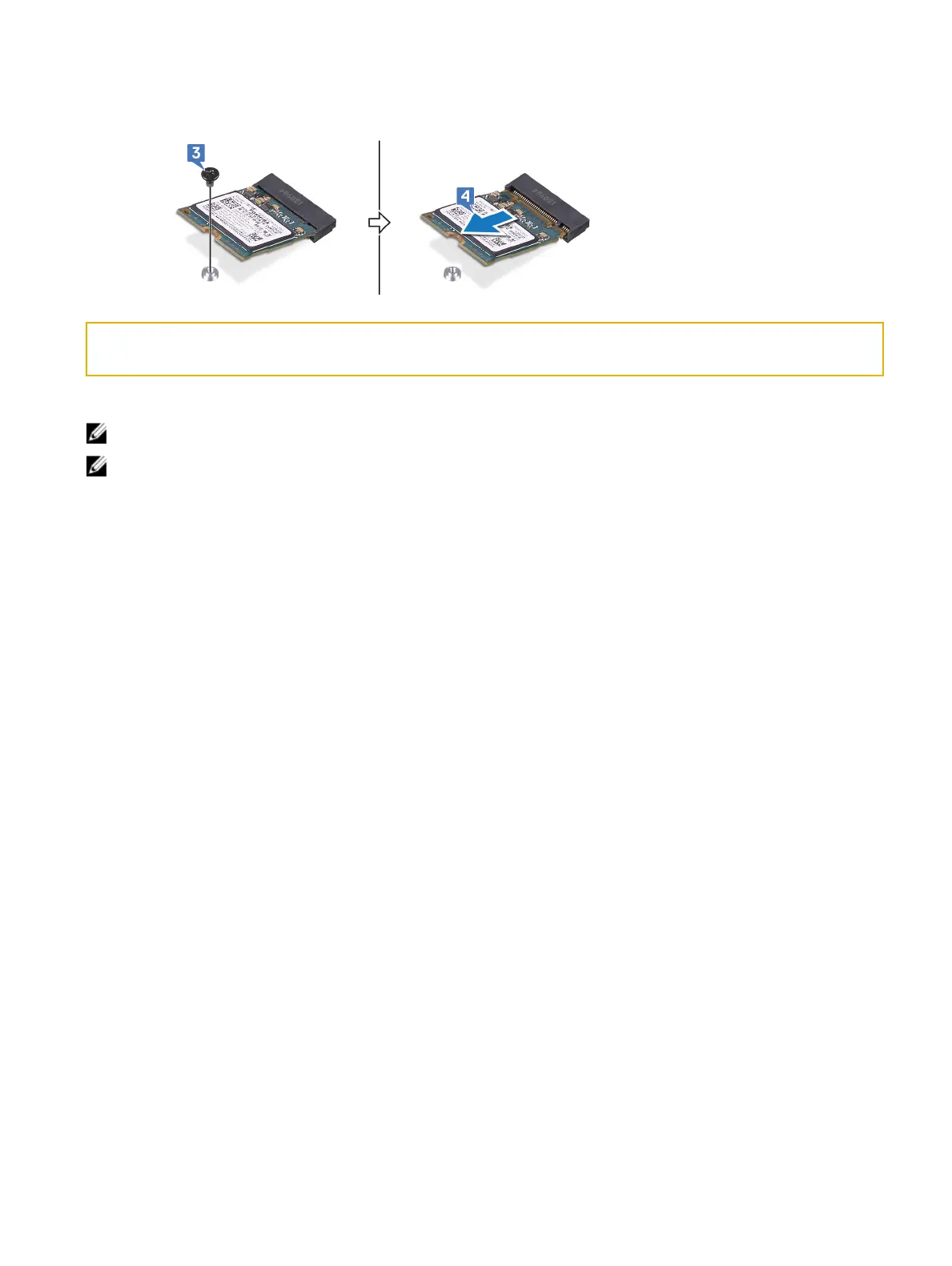
3 Remove the screw (M2x3) that secures the M.2 2230 card to the palm-rest assembly.
4 Slide and remove the M.2 2230 solid-state drive from the M.2 solid-state drive slot on the system board.
Identifier GUID-48B71A0A-075B-4DD2-9010-223785B44865
Status In Translation
Procedure to remove M.2 2280 card
注: This procedure applies only to computers shipped with a M.2 2280 card installed.
注: Depending on the conguration ordered, the computer may have up to two M.2 cards installed. Supported card
congurations per M.2 card slot:
• M.2 2230 solid-state drive
• M.2 2280 solid-state drive/Intel Optane storage
1 Remove the screw (M2x3) that secures the thermal shield and the solid-state drive to the computer base.
2 Slide and lift the thermal shield from the computer base.
32















 To Next Page