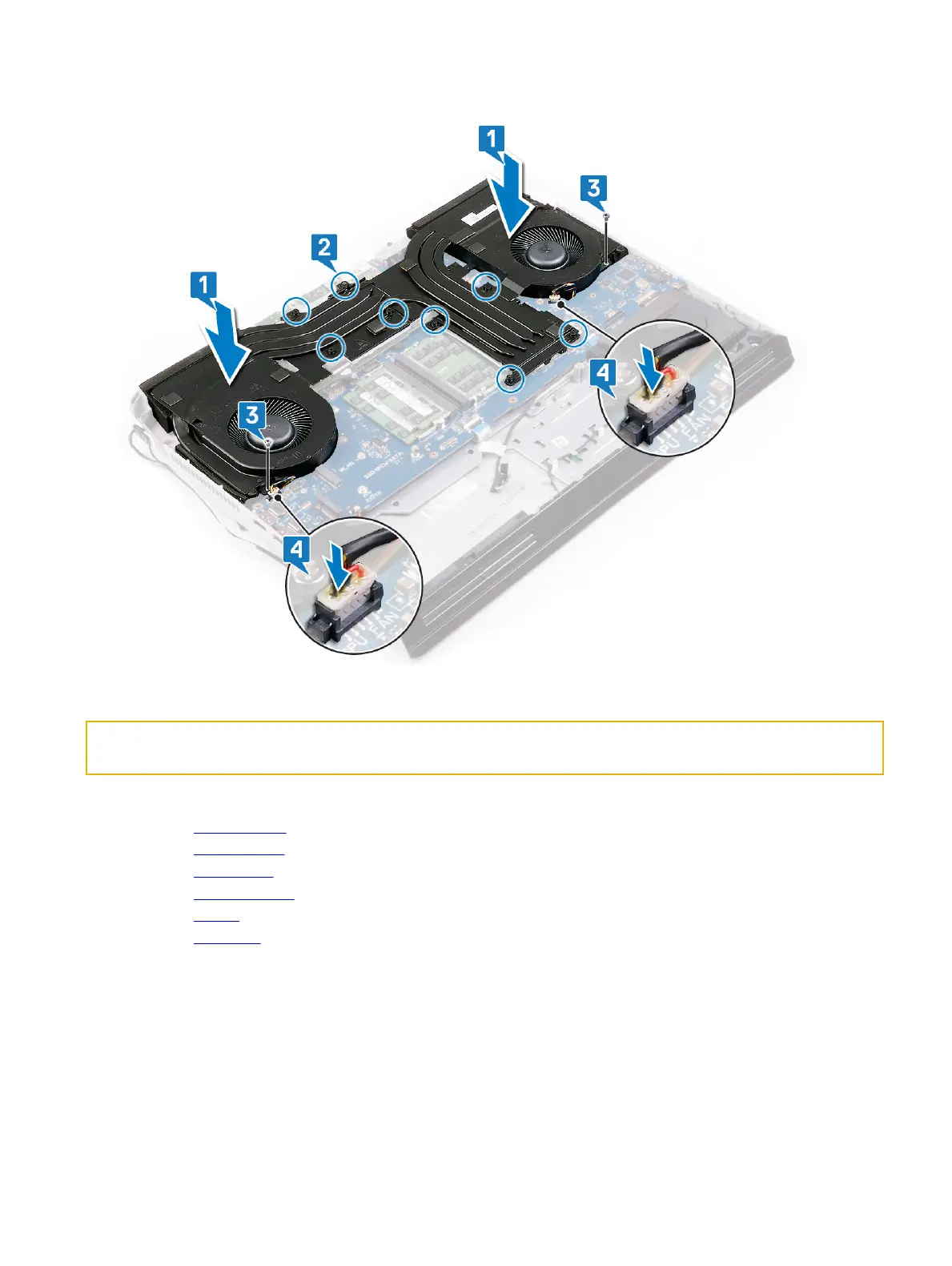
4 Connect the fan cables to the system board.
Identifier GUID-76A7C67D-2F85-4990-B769-D5686CDDE444
Status In Translation
Post-requisites
1 Replace the computer base.
2 Replace the rear I/O cover
3 Replace the wireless card.
4 Replace the solid-state drive (in SSD1 slot).
5 Replace the battery.
6 Replace the base cover.
74















 To Next Page