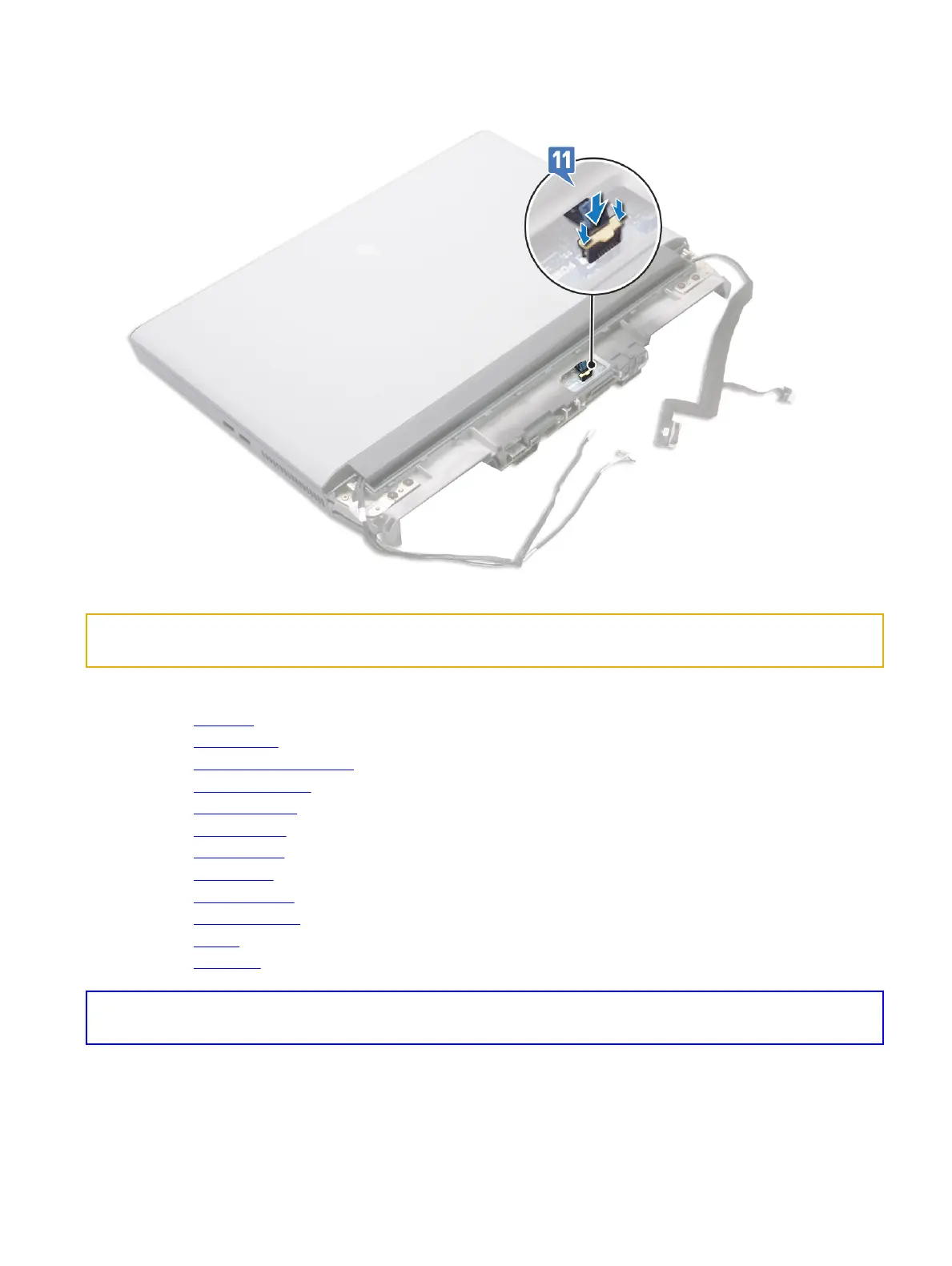
11 Connect the power-button board cable to the system board.
Identifier GUID-170ED96B-F376-498E-AEC0-310316F659EE
Status In Translation
Post-requisites
1 Replace the processor.
2 Replace the graphics card.
3 Replace the right power-adapter port.
4 Replace the heat-sink assembly.
5 Replace the coin-cell battery.
6 Replace the computer base.
7 Replace the rear I/O cover
8 Replace the wireless card.
9 Replace the solid-state drive.
10 Replace the memory modules.
11 Replace the battery.
12 Replace the base cover.
Identifier GUID-C264FC4F-B5CD-4F08-9183-CB9FC26A5E6A
Status Translated
在 BIOS 设置程序中输入服务标签
1 打开或重新启动计算机。
2 显示 Dell 徽标时按 F2 键,进入 BIOS 设置程序。
92















 To Next Page